
ServeLume / Field service API
Build aroundthe way you work.
A documented interface for the tools around your workspace. Clear contracts, private credentials and explicit access.
Published contract · Workspace permissions · Private tokens
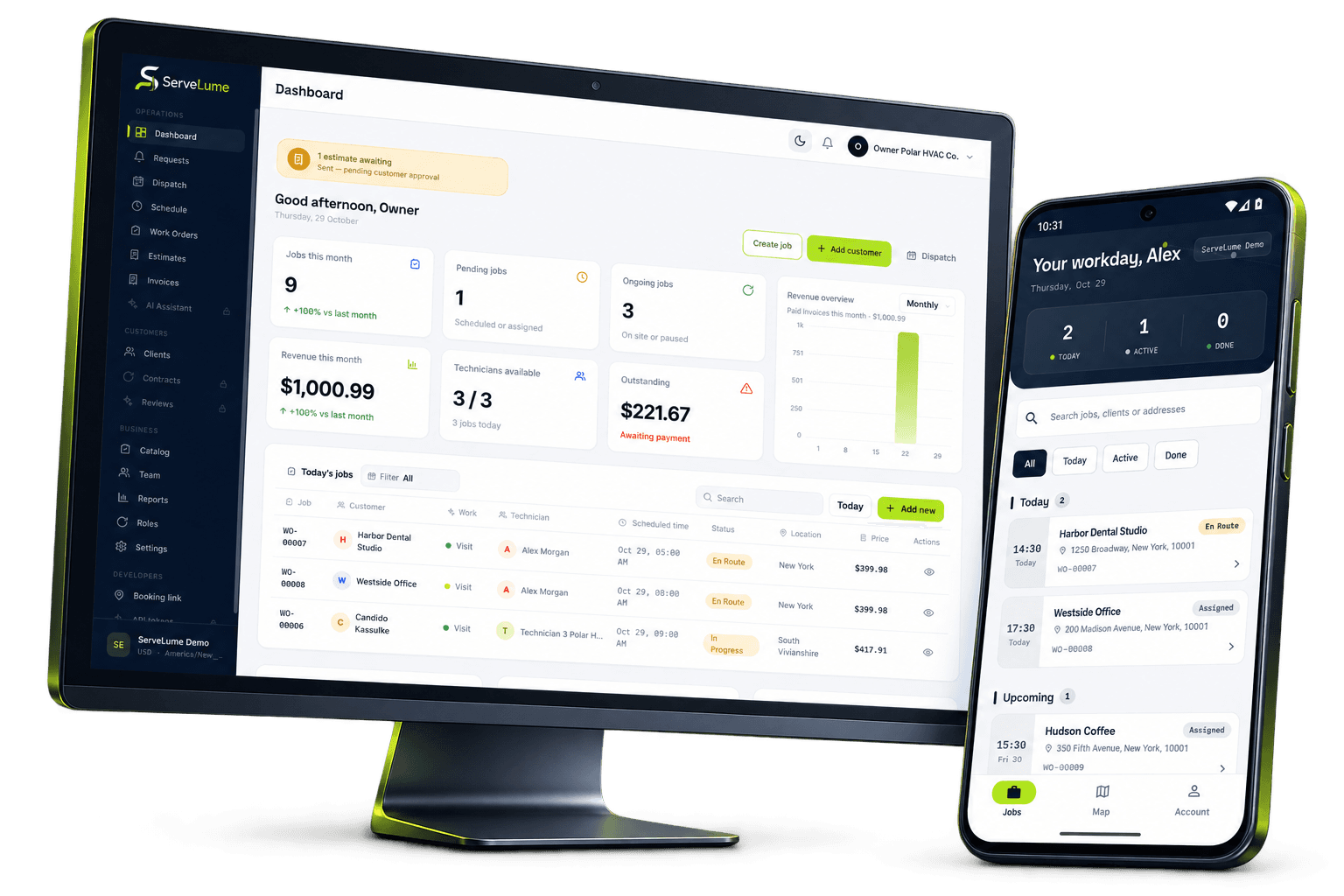
THE DETAILS CONNECT THE WORK
The tools around your business need clear boundaries as much as they need a connection. The ServeLume field service API publishes a versioned contract, with authentication and workspace access enforced by the product rather than exposed through a marketing page.
- Published OpenAPI contract
- Workspace-scoped permissions
- Private bearer credentials
01 / Start with what is documented
A contract your integration can read.
The developer portal provides server-rendered endpoint documentation generated from the Laravel OpenAPI contract. Review documented operations, authentication and response codes before deciding how an external tool should interact with the workspace.
An internal mobile route is not automatically a promised public integration interface. Build around the published contract and discuss any required capability that is not documented. The reference helps orient a developer, but it does not establish every third-party connector or commercial support agreement.
- Explore the versioned endpoint reference
- Read the downloadable OpenAPI contract
- Confirm undocumented requirements explicitly
02 / The right access, deliberately
Keep credentials out of the browser.
Bearer authentication, tenant permissions and applicable plan gates are enforced by Laravel. Workspace administrators manage access in the authenticated product. Give an integration only the access needed for its job and protect its credentials in your own server environment.
Do not publish tokens in page source, URLs, screenshots or client bundles. Confirm the workspace's API-enabled plan and actual permissions before integrating office resources. Core technician routes follow assigned-job boundaries; never infer that one authenticated request grants access to another customer's workspace.
- Keep bearer tokens server-side
- Review workspace and plan permissions
- Respect assigned-job and tenant boundaries
03 / Handle the difficult responses
Build a thoughtful failure path.
A useful integration needs to understand responses as well as successful requests. Handle authentication failures, permission errors, validation responses and rate limits explicitly. Preserve enough context to explain why an operation did not proceed.
Do not retry non-idempotent writes blindly. A network interruption can leave an uncertain outcome that needs deliberate review rather than another duplicate action. Evaluate with appropriate sample data before your integration affects live customer records, and agree how operators will review failures or changed requirements.
- Handle 401, 403, 422 and 429 deliberately
- Avoid blind retries of customer-affecting writes
- Evaluate against representative sample data
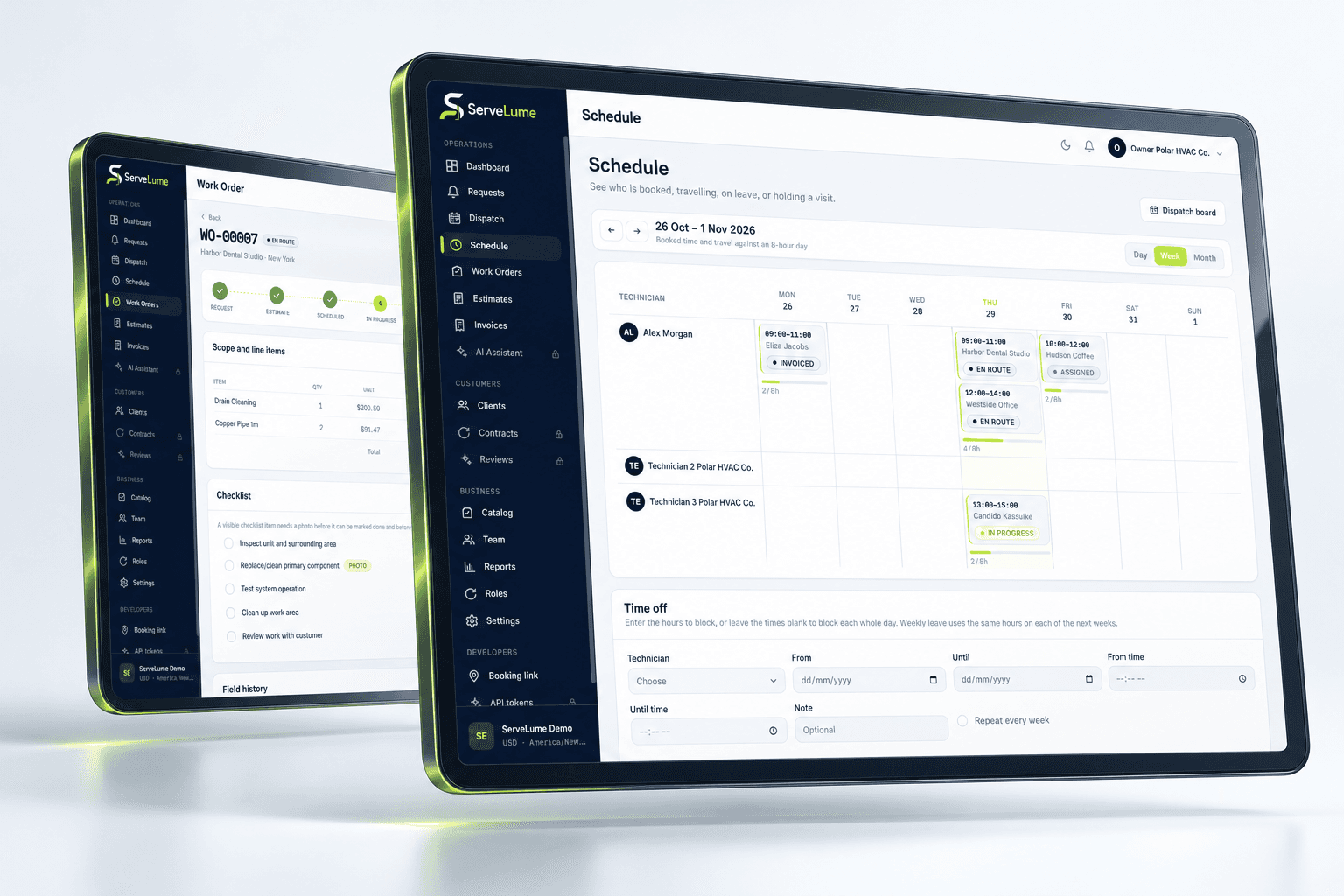
A PRACTICAL WAY TO WORK
A clear path. From one person to the next.
Make the handover deliberate, at every stage of the service.
- 01
Read the contract
Find the documented operation and its expected responses. Confirm the interface supports the business action you intend.
- 02
Confirm access
Review the workspace plan and permissions. Store credentials privately and request only the access your integration needs.
- 03
Test the boundaries
Exercise validation and error paths with sample data. Establish how your integration and operators will respond to failures.
BUILT TO BE EVALUATED BY YOUR TEAM
Bring a concrete integration question.
Identify the information you want to read or the operation you need to perform. Review the published reference, then discuss any missing requirement with the developer team. Confirm plan eligibility, permissions and support expectations before implementation. The developer program is a route to a conversation, not automatic admission or a claim that Xero, QuickBooks or other production accounting connectors are already supported.
Discuss your workflowA FEW USEFUL ANSWERS
Clarity before you commit.
Understand the workflow, the requirements and the boundaries.
01Where is the ServeLume API reference?
The developer portal publishes the versioned reference, OpenAPI JSON and a Markdown export. Follow the API documentation link on this page to review the documented contract before implementing a request.
02Can I put a workspace token in frontend JavaScript?
No. Keep bearer credentials private in your server environment, not in public source, client bundles or URLs. Workspace and tenant permissions remain the responsibility of the authenticated product.
03Does API access imply ready-made accounting integrations?
No. A documented interface is not proof of a supported production connector for Xero, QuickBooks, MYOB or another provider. Discuss the intended integration and confirm its actual supported boundary.
04What should an integration do when a request fails?
Handle documented authentication, permission, validation and rate-limit responses explicitly. Avoid blindly retrying writes that could be duplicated. Test error behaviour and establish an operator review path before using live customer records.
YOUR NEXT CONNECTED WORKDAY
Bring the whole job
into the picture.
Start with a real workflow question. Explore the product with the people who plan the work and the people who do it.