
locksmith job management software
The right details. Before you reach the door.
Organise locksmith attendance, job scope, field records and commercial handovers with ServeLume.
14-day trial · Office + field · One shared workspace
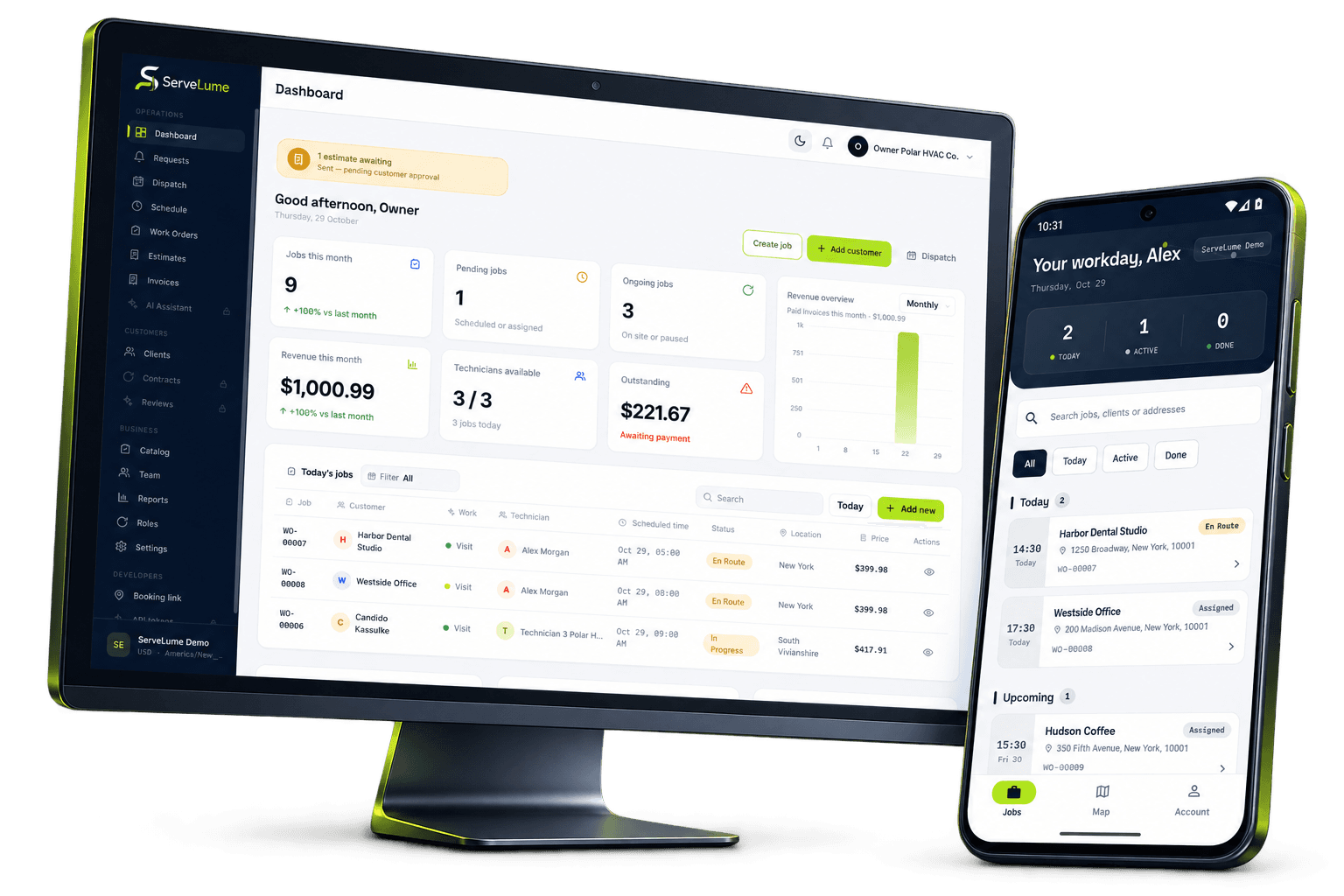
Less scattered information. A clearer workday.
Organise the work behind every locksmith visit.
The job changes. The context stays connected.
Locksmith work combines time-sensitive requests with important questions about access, identity and authority. An office booking, a mobile attendance and a customer’s approval need to remain connected without exposing sensitive security information. ServeLume gives locksmith businesses a shared workspace for work orders, assigned jobs and field records. It supports the organisation of the visit while leaving identity checks, lawful access decisions and professional security judgement with the people responsible for the work.
From the office to the next visit
Good work starts
with a clear handover.
Keep sensitive access information out of general notes
Locksmith records can reveal how a property is secured. Limit the detail recorded to what is necessary for the legitimate job, and use your approved process for any sensitive access instructions. Do not put key codes, alarm information or identity documents into a broadly visible description simply because the field accepts text. Your business should decide which records are appropriate, who may access them and how long they should be kept.
Photographs also need care. An image of a lock or doorway may be relevant evidence, but an unrelated identity document or private interior should not be included without a justified purpose. Organised records should support accountable work without creating an unnecessary collection of sensitive customer information.
Make the purpose of attendance clear
A request to regain access, inspect a faulty lock and replace hardware are different jobs. Use the work order to state the agreed purpose of attendance and distinguish it from any further work discussed on site. If the customer changes the request, record the change and obtain approval through the process your business uses. A broad appointment label should not obscure what was actually authorised.
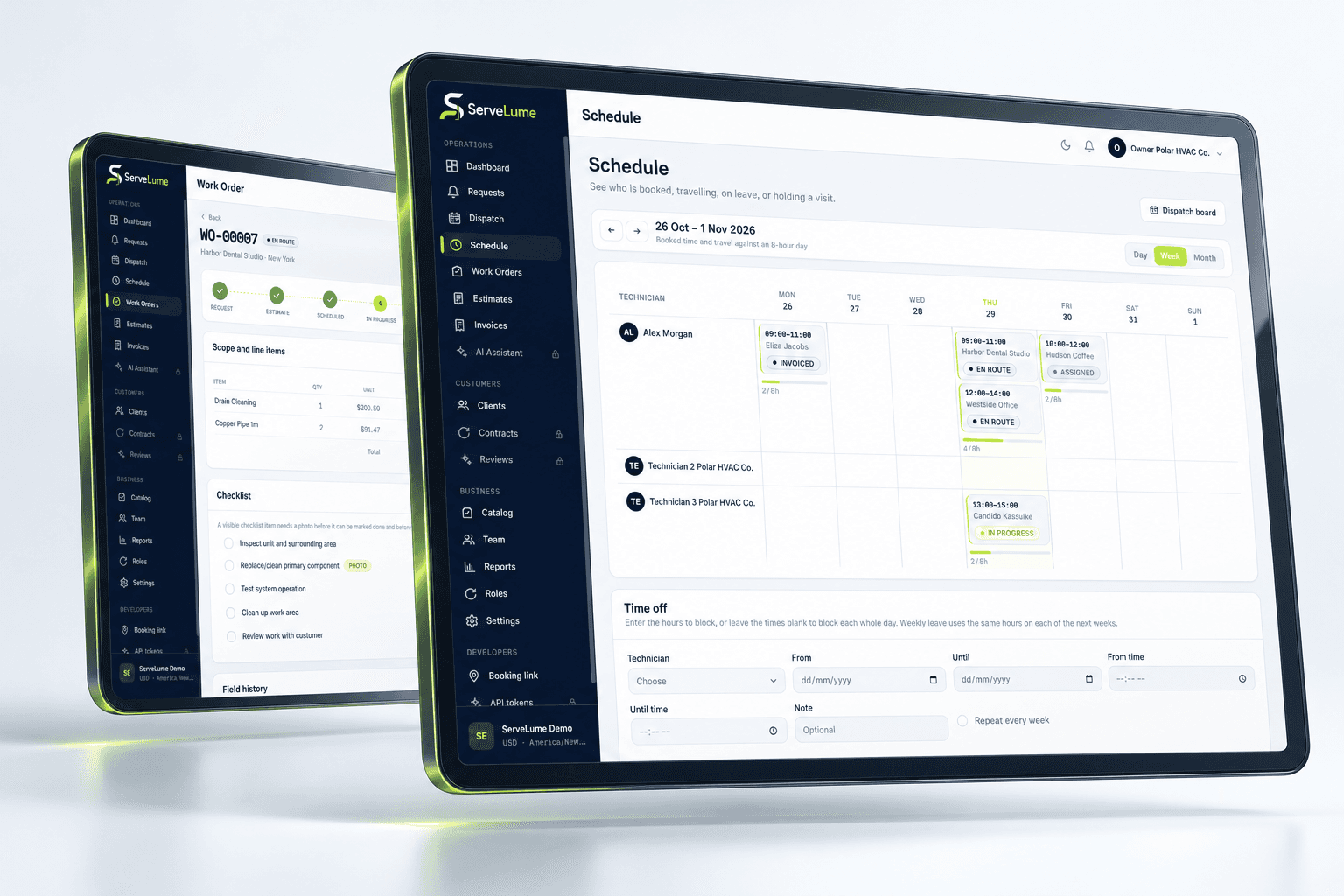
ServeLume helps the office organise the schedule and share job details with the attending team. Your dispatcher remains responsible for realistic attendance arrangements, technician suitability and customer communication. Software does not guarantee an emergency response time or establish that a particular access method is appropriate for the circumstances.
The details that matter
Give the attending locksmith a concise brief
The mobile app provides a workflow for assigned jobs and job-linked notes. A useful brief includes the correct address, the reported problem, the appropriate contact and any relevant operational instructions. Separate confirmed facts from information that still needs checking. If a previous visit is relevant, describe what it actually established rather than copying an old conclusion into a new request.
When the locksmith finds a different condition on site, record the observation clearly. For example, the hardware may differ from the item described by the caller, or the requested repair may require a separate commercial decision. The office needs enough context to discuss the next action without interpreting a short message that omits the important distinction.
Office and field, connected
Record completed work and exceptions accurately
A close-out record should explain the work completed, relevant materials and any unresolved issue. Where photos or customer sign-off form part of your process, attach them to the job with a clear purpose. Record an exception as an exception: a temporary measure, a recommendation and a completed replacement should not look identical in the job history.
ServeLume does not determine whether a person has lawful authority, whether a security product is suitable or whether work meets licensing requirements. Your qualified staff and business procedures remain responsible for those decisions. Use job management software to organise evidence and handovers, not to replace the professional assessment that makes the attendance appropriate.
A clearer next step
Connect replacement hardware to the job record
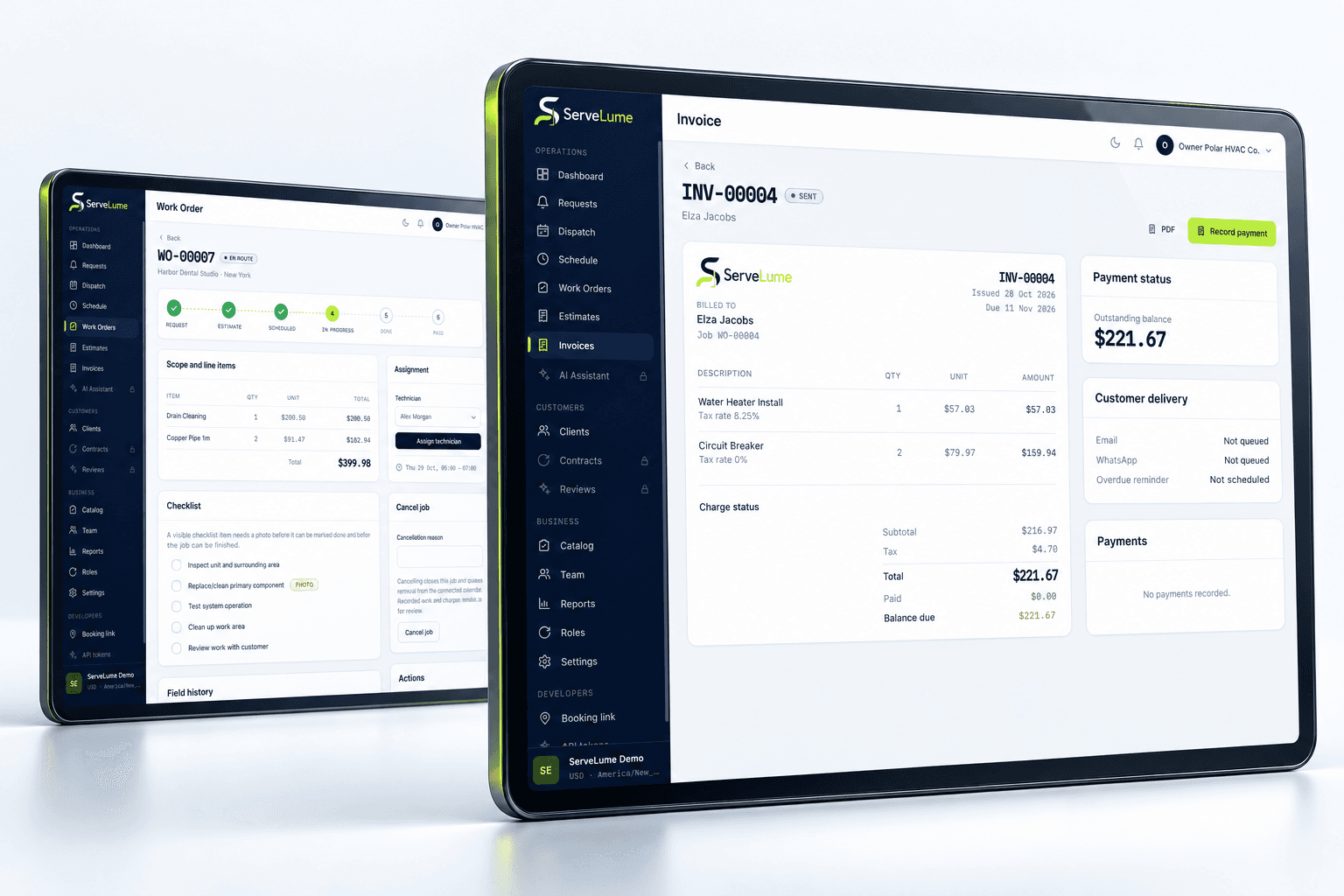
If the work involves replacement hardware or other materials, record the description and quantity in a form the office can understand. Distinguish installed items from proposed alternatives and note whether additional approval is needed. Avoid using unexplained abbreviations where the person preparing the invoice may not understand the significance of a change.
A clear materials record can also help with a later service request. The next person should be able to tell what your business supplied and what remains outside the completed scope. Keep sensitive security details within the approved record process rather than expanding a general material description into a detailed account of how a customer’s premises can be accessed.
Make it work for your business
Built around the whole job.
Evaluated by your team.
Review the commercial record before invoicing
A customer should be able to recognise the agreed service on the invoice. Review the initial request, authorised changes, completion notes and material records before deciding what to bill. Additional recommendations should remain separate until the customer has approved the commercial arrangement. A note entered during attendance should not silently change the price or scope agreed with the customer.
Your business controls its pricing, tax treatment and payment terms. ServeLume connects job and billing workflows, while payment collection depends on the configured provider, merchant account, location and supported device. Test the process you intend to use during the trial, particularly the handover between the attending locksmith and the person responsible for billing.
Choose locksmith software around accountable operations
A representative evaluation should include a planned hardware job and a request that requires additional checks or a revised scope. Use synthetic or appropriately authorised data rather than putting sensitive customer security information into a demonstration. Ask the office and attending locksmith to review whether the record makes the sequence of decisions understandable.
Locksmith businesses in Australia, the UK and the US operate under different local rules and commercial practices. A shared software workflow does not remove those differences. Review access verification, licensing, documentation and retention requirements with the appropriate people in your organisation. The aim is a more coherent operational record that supports responsible work across the office and the field.
Put the workflow to work in your trial
A useful software evaluation follows a complete job rather than stopping at account creation. Choose a representative request, agree its scope, assign the field work and record a realistic outcome. Then ask someone in the office to review the job without relying on a separate conversation. They should be able to explain the completed work, any unresolved issue and the next commercial or operational action. Where the record is unclear, identify whether the team needs a different habit, a clearer description or a product capability that should be checked with ServeLume.
New ServeLume workspaces start through the product registration flow. A mobile number with country code is required. Confirm the email address first, then verify the mobile number using a WhatsApp code, with SMS available as the fallback channel. Verification messages are for account security; they are not a replacement for a customer messaging or marketing consent process. The product backend confirms the active plan and the fourteen-day trial policy. Check the current pricing page for the plan, currency and billing period instead of relying on an amount quoted in an old article.
Use synthetic or appropriately authorised information while evaluating the product. Keep passwords, payment card details and unnecessary personal information out of demonstration job notes. Confirm the roles, devices, integrations and local requirements your business needs before moving an operational team into a new system. If an essential workflow is unclear, contact the ServeLume team with a concrete example so the discussion can focus on the work you actually perform.
Your next connected workday
Bring your office and field team together.
Explore your job workflow with a 14-day trial, then choose the plan that fits your business.