
lawn care business software
Your crews. Your properties. Working together.
Connect lawn care crews, property instructions, job records and the office handover with ServeLume.
14-day trial · Office + field · One shared workspace
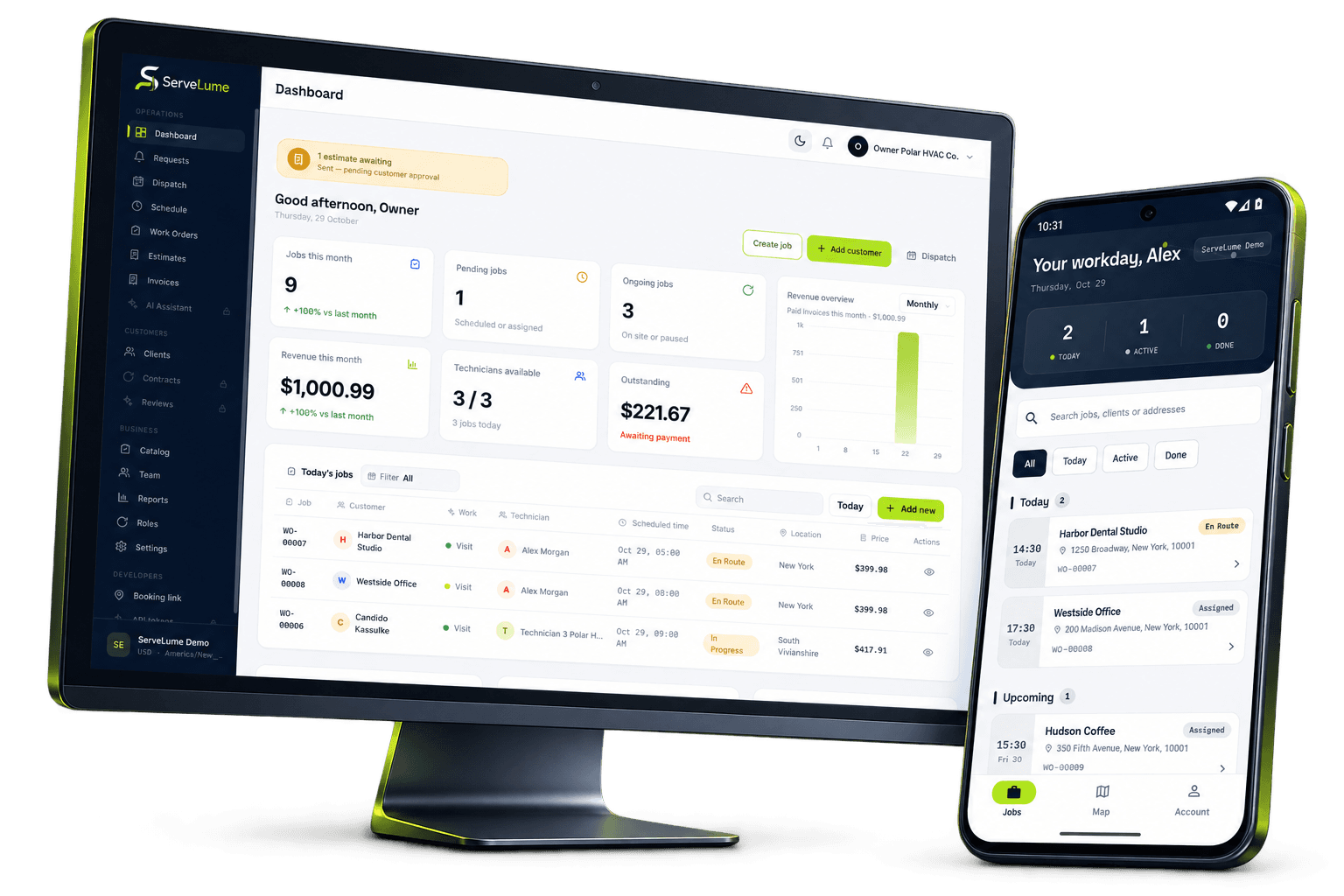
Less scattered information. A clearer workday.
A clearer plan for the work outside.
The job changes. The context stays connected.
Lawn care businesses coordinate properties, crews, equipment and customer expectations across a changing workday. A routine mowing visit, a seasonal task and a separate repair or improvement request need different instructions and different commercial decisions. ServeLume connects work orders, assigned field jobs, materials and proof of work so the office and crew can preserve what was agreed, what happened on site and what needs to happen next.
From the office to the next visit
Good work starts
with a clear handover.
Give the property visit a useful scope
A lawn care work order should identify the property, the agreed service and any important exclusions. A customer’s request to “tidy the garden” may not tell a crew which areas are included or what outcome has been priced. Use the record to make the scope understandable before attendance. Identify the appropriate contact for access and the person who can approve changes to the work.
Property instructions can contain sensitive information. Share only what the attending team needs and follow your approved process for access arrangements. Keep information about residents, private routines and security details out of a general description unless there is a legitimate reason to include it and an appropriate way to protect it.
Keep scheduling changes connected to the work
Outdoor service plans can change because access, site conditions or customer requirements change. The schedule should communicate the current plan, while the job record preserves the relevant context. If a visit is postponed, keep a clear next action rather than leaving the work in an ambiguous state. A new appointment should still make the purpose of the original job understandable.
ServeLume helps the business organise jobs and share details with the field team. It does not promise a weather prediction, an optimised route or a fixed productivity improvement. Your dispatcher and crew remain responsible for assessing travel, working conditions and the suitability of the tasks planned for the day. Review the actual workflow rather than relying on assumptions about what a software category normally includes.
Give crews a brief they can follow
An attending crew should be able to identify the correct property, understand the agreed work and see the instructions that matter for that visit. Keep standard tasks separate from unusual customer requirements so important exceptions are easy to notice. If a previous visit is relevant, record what it actually established rather than repeating an outdated assumption.
ServeLume Field provides assigned job information and a workflow for recording the visit. The crew can preserve notes and evidence against the work instead of leaving the office to assemble a history from several personal message threads. Use clear language that another crew member or office colleague can understand without having been present on site.
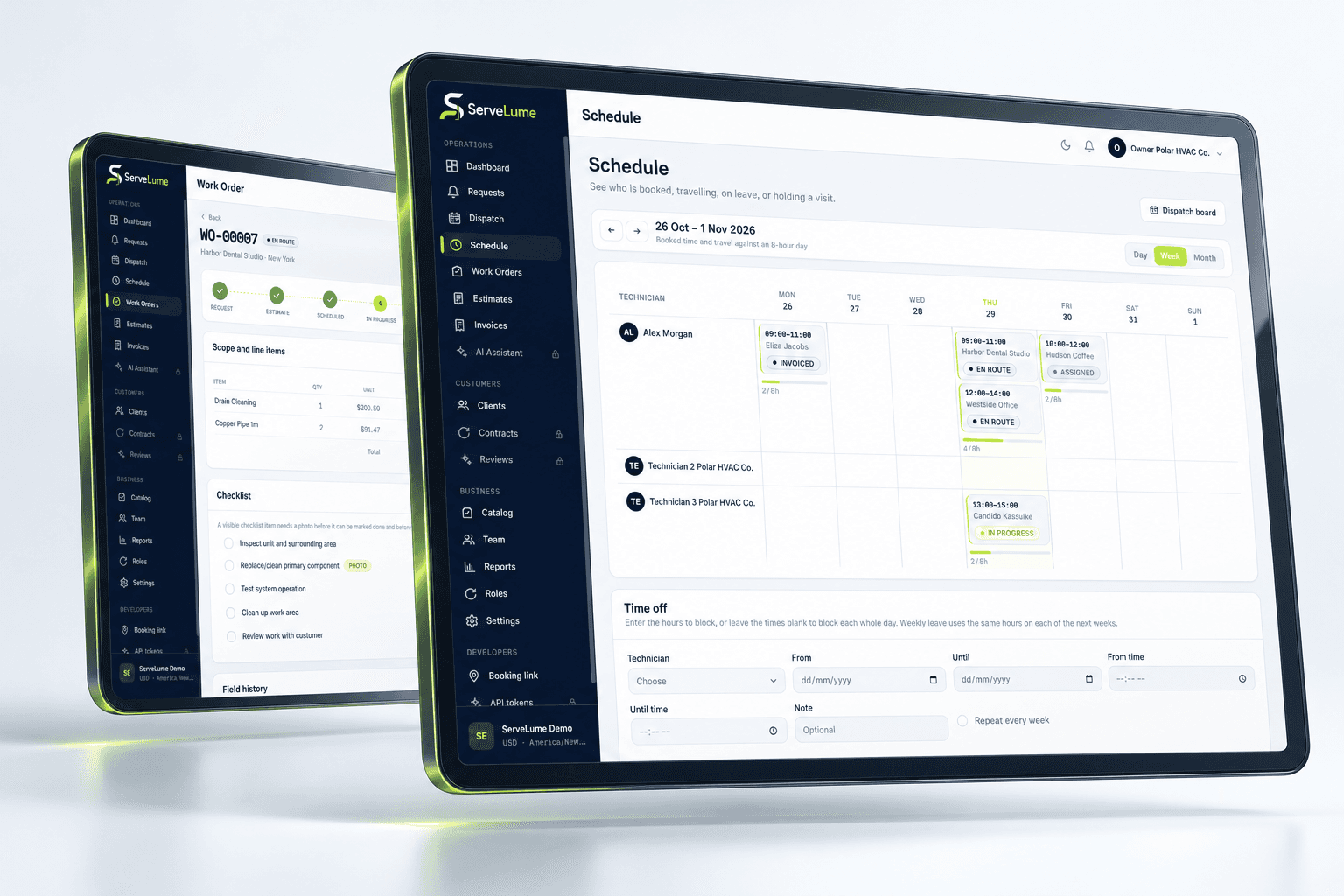
The details that matter
Record arrival conditions and scope changes clearly
A property may not be ready for the planned work. An area might be inaccessible, an obstruction may prevent the task or the customer may request an additional service. Record the observation and separate it from a decision about what to do next. A field note should not automatically become a change in scope or price without the approval process your business requires.
Photographs can help explain the condition, but should have a specific purpose. Avoid capturing residents, private documents or unrelated possessions. Describe the relevant location and the effect on the agreed work. The office needs enough information to discuss the issue with the customer and arrange a sensible next step without over-interpreting an unexplained image.
Office and field, connected
Use completion records that explain the outcome
A useful close-out record identifies the work completed, any exceptions and any task that remains open. Checklists can support consistency, while notes explain why a particular item was not completed or was not applicable. A status marked complete should not hide an outstanding customer question or a task that needs a further agreement.
Your business remains responsible for safe working methods, equipment operation, chemical use where relevant and any local requirements. ServeLume helps organise job records; it does not determine whether a particular treatment, tool or method is appropriate for the property. Keep those decisions with trained people and the professional processes established for the work your business undertakes.
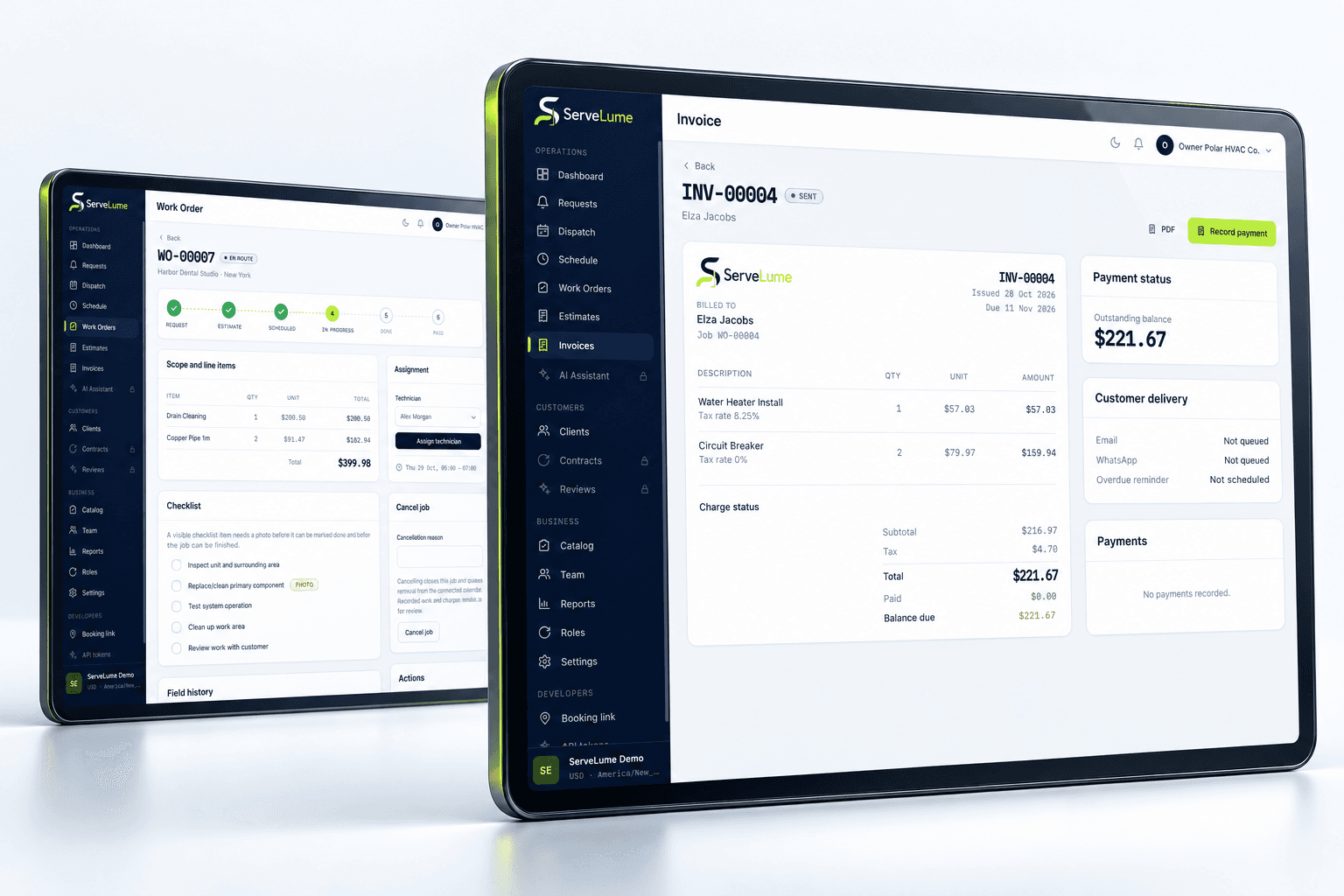
A clearer next step
Keep equipment and material use connected
A lawn care business may need to record materials used on an agreed task or explain an equipment-related service activity. Give entries a useful description and distinguish what was used from what was proposed or returned. Avoid leaving the office to guess whether an item belongs to a customer charge, an internal operational cost or a recommendation for later work.
Clear records also help with a follow-up. The next crew should be able to understand what happened at the previous visit and whether any dependency remains. A material record should support the work history, not become a substitute for the technician’s explanation or for the commercial decision about what the customer has agreed to purchase.
Make it work for your business
Built around the whole job.
Evaluated by your team.
Prepare an understandable billing handover
Before invoicing, review the scope, any authorised changes, completion notes and relevant material records. A customer should be able to recognise the service described on the invoice. If additional work was recommended but not approved, keep it separate from the completed service and preserve the next action through your normal process.
ServeLume supports the relationship between work orders and billing, while your business controls prices, tax settings and payment terms. Available payment methods depend on the configured provider, merchant account, country and supported device. Use the trial to test the actual review and billing process you need, including who checks field records and who may alter commercial details.
Evaluate lawn care software with a realistic service day
Choose a routine property visit and a job where the crew discovers a change in scope. Follow both from the office brief to the field record and billing review. Ask someone who did not attend the property to explain the outcome using only the job history. This shows whether the record preserves the information needed for the next customer conversation.
Australian lawn mowing businesses, UK grounds maintenance teams and US lawn care contractors may use different terminology and service agreements. Match the evaluation to your actual customers and local requirements. The purpose of a connected workspace is to make the work more understandable across the team, rather than to claim that the same visit pattern or pricing model fits every property.
Put the workflow to work in your trial
A useful software evaluation follows a complete job rather than stopping at account creation. Choose a representative request, agree its scope, assign the field work and record a realistic outcome. Then ask someone in the office to review the job without relying on a separate conversation. They should be able to explain the completed work, any unresolved issue and the next commercial or operational action. Where the record is unclear, identify whether the team needs a different habit, a clearer description or a product capability that should be checked with ServeLume.
New ServeLume workspaces start through the product registration flow. A mobile number with country code is required. Confirm the email address first, then verify the mobile number using a WhatsApp code, with SMS available as the fallback channel. Verification messages are for account security; they are not a replacement for a customer messaging or marketing consent process. The product backend confirms the active plan and the fourteen-day trial policy. Check the current pricing page for the plan, currency and billing period instead of relying on an amount quoted in an old article.
Use synthetic or appropriately authorised information while evaluating the product. Keep passwords, payment card details and unnecessary personal information out of demonstration job notes. Confirm the roles, devices, integrations and local requirements your business needs before moving an operational team into a new system. If an essential workflow is unclear, contact the ServeLume team with a concrete example so the discussion can focus on the work you actually perform.
Your next connected workday
Bring your office and field team together.
Explore your job workflow with a 14-day trial, then choose the plan that fits your business.