
pest control scheduling software
From site findings to the next action.
Pest control scheduling software for jobs, technician findings, service evidence and follow-up actions in ServeLume.
14-day trial · Office + field · One shared workspace
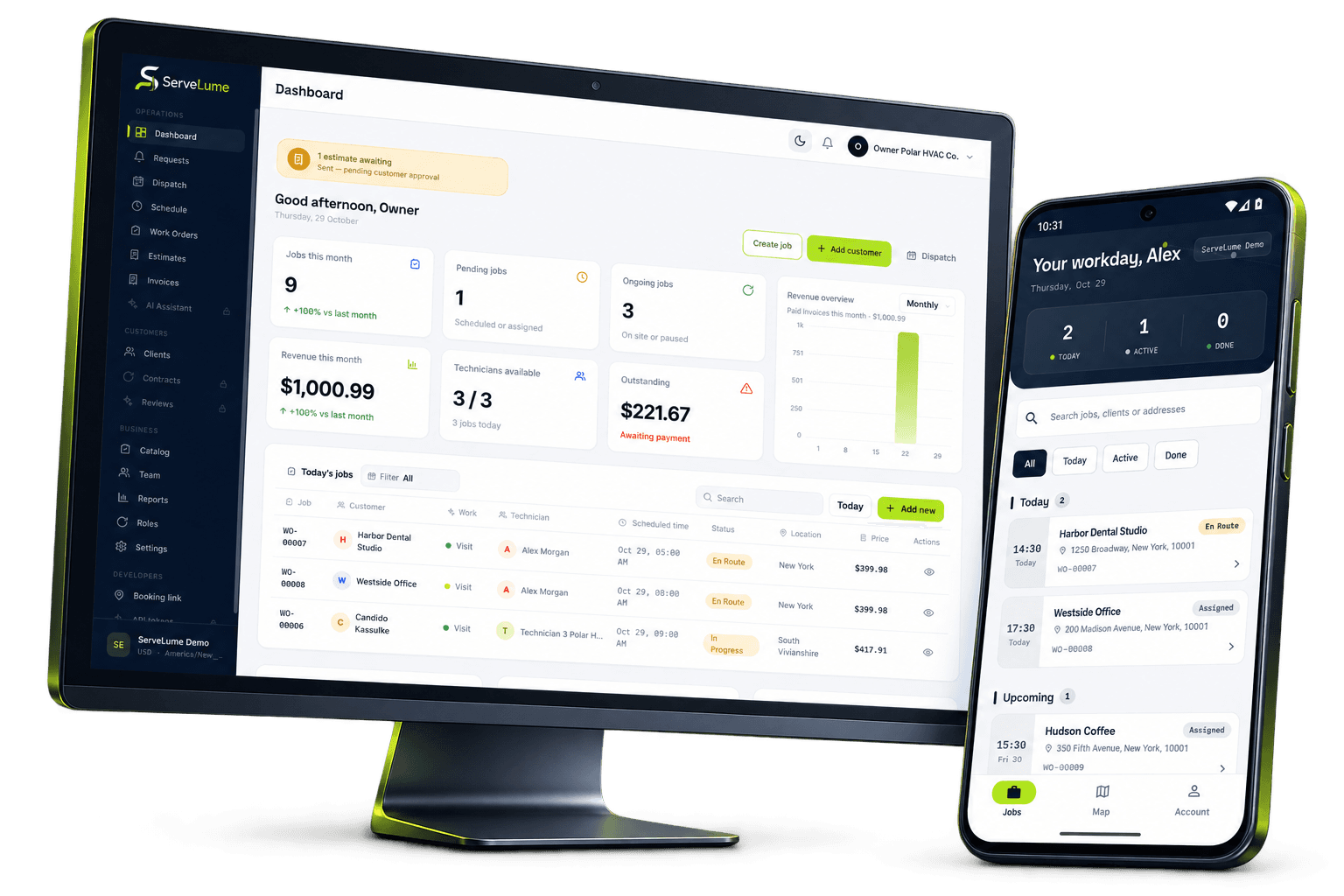
Less scattered information. A clearer workday.
Bring your pest management workflow together.
The job changes. The context stays connected.
Pest control work depends on a clear understanding of the customer’s concern, the property and the outcome of each visit. A reported sighting, an inspection and an agreed treatment are different stages of work, and the office needs to understand which stage the team has reached. ServeLume is pest control scheduling software that connects work orders, assigned technician jobs and field evidence for the next action.
From the office to the next visit
Good work starts
with a clear handover.
Record the reported issue without treating it as a diagnosis
A customer may describe a pest, a location and a pattern of activity, but those observations need to remain distinct from a qualified assessment. Capture what was reported, when the concern was noticed and which areas the customer believes are affected. Record the property contact and the person who can authorise the work. This gives the attending technician a useful starting point without presenting unverified information as a confirmed finding.
Access and occupancy information should be handled carefully. Keep only the details necessary for the legitimate visit and follow your approved process for sensitive instructions. A clear booking record helps the field team prepare while avoiding an unnecessary collection of personal information about occupants or their circumstances.
Distinguish inspection, treatment and review appointments
The purpose of attendance should be clear from the work order. An inspection may establish information for a proposal; an agreed treatment has a defined commercial scope; a review visit may assess the result or a new report. Using the same appointment label for every stage can make it difficult for the office to understand what has been completed and what remains open.
ServeLume supports organising these jobs and sharing the relevant details with assigned technicians. Your business remains responsible for determining the appropriate service, selecting qualified staff and following applicable professional requirements. Scheduling a visit does not establish that a treatment is suitable or that the customer has received every instruction required for that particular service.
Give technicians the history that matters
An attending technician benefits from knowing what previous visits actually established. Record the observed condition, the areas attended, relevant limitations and the next action. Avoid a broad note such as “all checked” when access was limited or the scope covered only part of a property. Precise notes help a colleague understand the record without expanding the meaning of the original inspection.
The mobile workflow provides assigned job information and a place to attach work records. Encourage the team to distinguish customer reports, their own findings and recommendations. Where a further visit is needed, describe its purpose and any dependency, such as access or approval. This gives the office a clearer basis for arranging the follow-up.
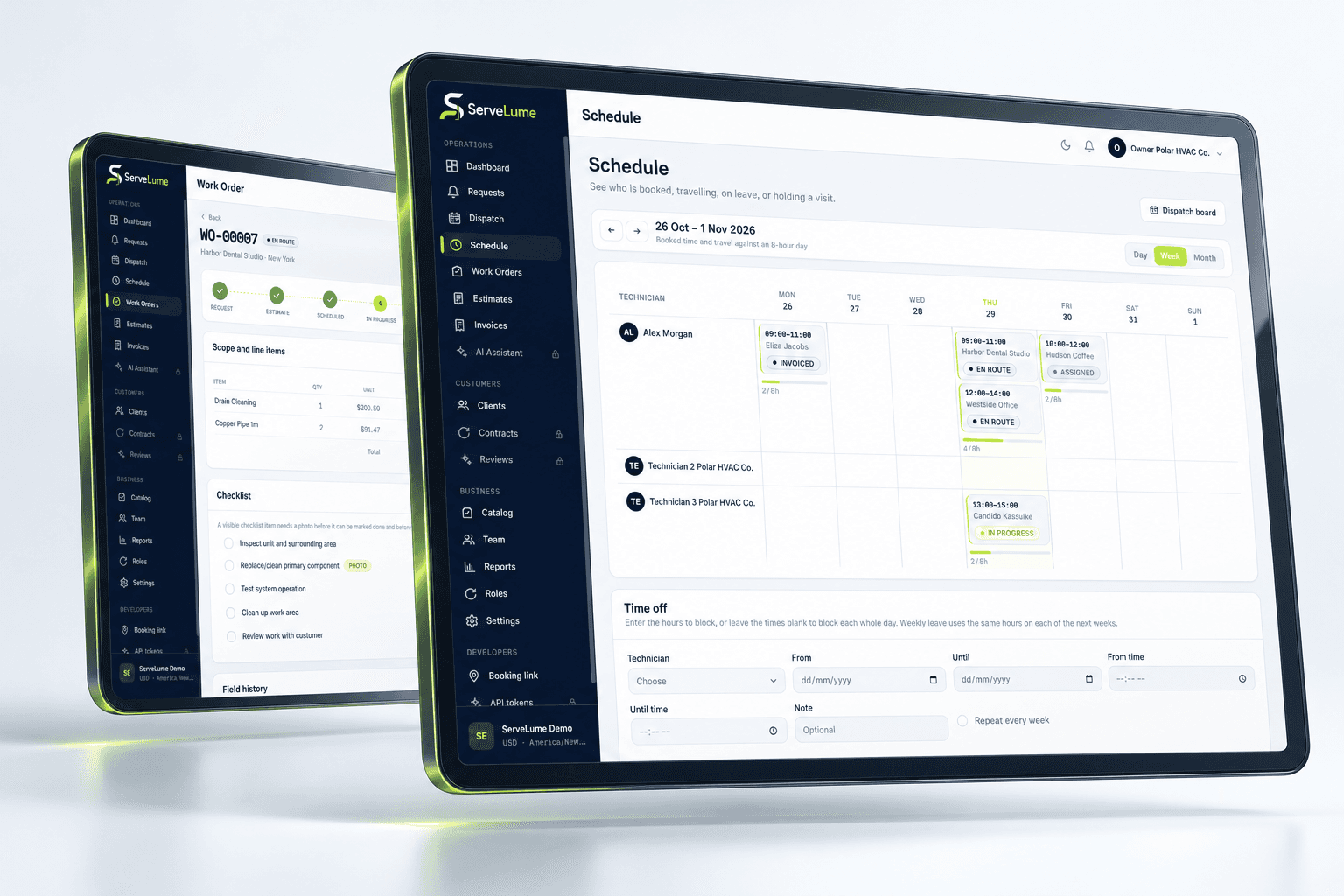
The details that matter
Organise evidence without overstating what it proves
Checklists, notes and photographs can help explain the work performed. Give images enough context to identify the relevant location and finding, and avoid including residents, private documents or unrelated areas of a property. A useful checklist reflects the actual service process, while explanatory notes describe exceptions and unresolved questions.
ServeLume is not a substitute for pest identification expertise, pesticide records, chemical handling procedures or any required treatment documentation. Your business remains responsible for the technical content of the service and the records required in the places where you operate. Use the workspace to organise the handover, and retain specialist forms or certificates through the professional process appropriate to the work.
Office and field, connected
Keep materials and service decisions distinct
Where materials are recorded, make the description and quantity meaningful to the office. Distinguish items actually used from items proposed, reserved or returned. A material entry should not be treated as proof that a particular treatment was applied correctly or that a regulatory requirement has been met. The qualified person and the approved service record must establish the technical details.
If the technician recommends further work, keep the recommendation separate from completed tasks and any customer approval. This makes the commercial sequence easier to understand. The office should not need to infer whether a customer agreed to additional work merely because a proposed material or task appears in the job history.
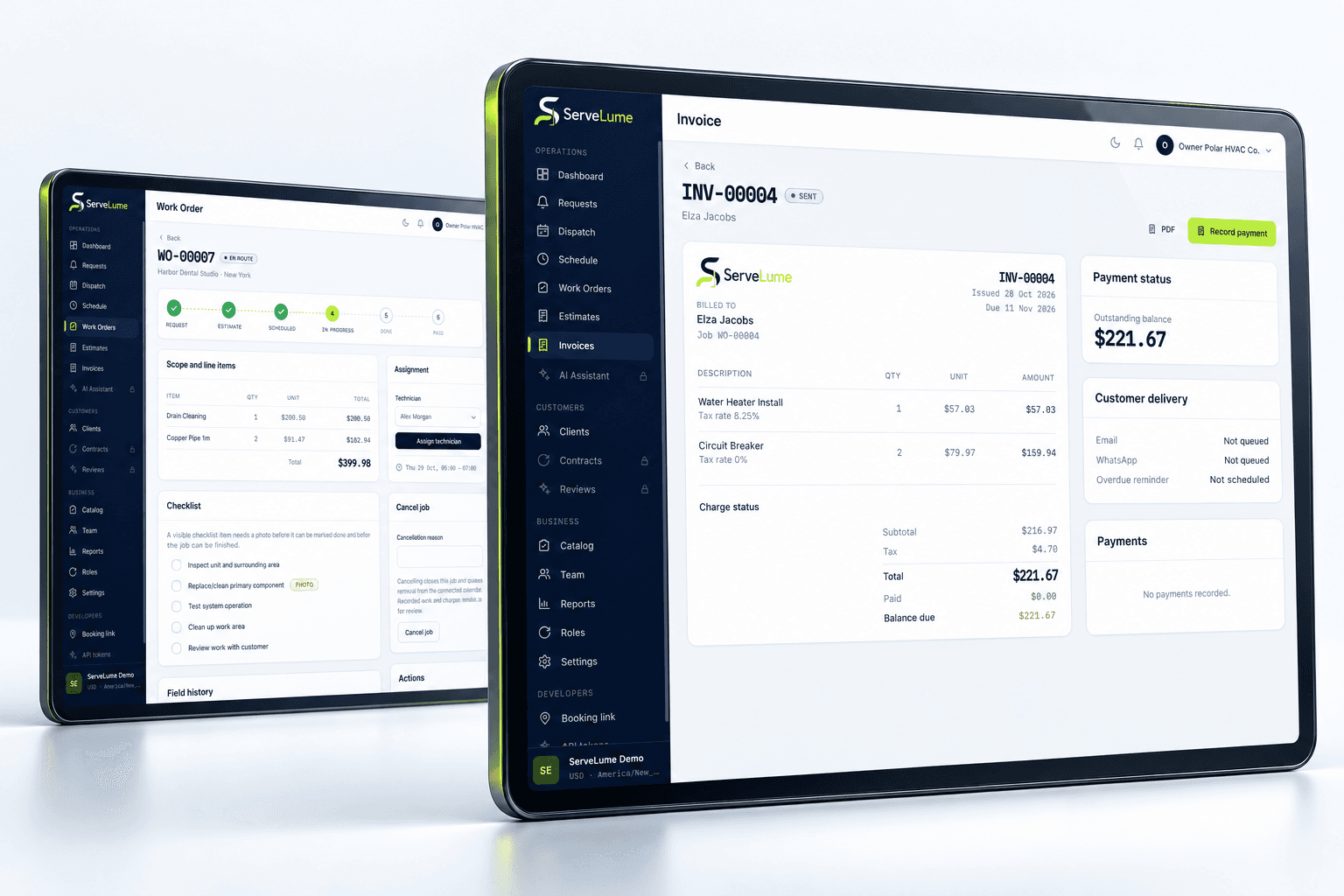
A clearer next step
Make follow-up arrangements understandable
A follow-up record should say why the team is returning and what information or action is expected. Avoid creating a new appointment with no connection to the earlier finding. A later technician should be able to understand whether the visit concerns an outstanding task, a new customer report or a review of previously completed work.
For property managers and commercial customers, clear records can also support communication across several contacts. Identify who needs the operational update and who makes commercial decisions. Do not assume that the person providing entry can approve additional work or that every person associated with the property should receive the same level of service detail.
Make it work for your business
Built around the whole job.
Evaluated by your team.
Review the completed job before billing
The person preparing the invoice needs a clear account of the agreed service and the outcome. Review the scope, authorised changes, work notes and relevant materials before deciding what to bill. The description should let the customer recognise the work without turning a technical observation into an unsupported claim about a property or an automatic additional charge.
Your business controls its pricing, tax treatment and payment terms. ServeLume connects job records and billing workflows, while payment methods depend on the configured provider, merchant account, country and supported device. During evaluation, test the actual review process your office uses, including how an incomplete job remains visible when a billing action has been taken.
Assess pest management software against your own service process
Use a realistic inspection and a job requiring a follow-up to evaluate the workflow. Ask the office to interpret the next action using only the record, then ask the technician whether the brief contains the information needed to attend responsibly. Use synthetic or appropriately authorised customer data in your demonstration.
Pest control businesses in Australia, the UK and the US face different local requirements and use different service terminology. Review qualifications, treatment documentation, customer instructions and retention obligations with the appropriate people in your organisation. A shared workspace can improve the organisation of the work, but it cannot make the professional or legal judgement required for an individual service.
Put the workflow to work in your trial
A useful software evaluation follows a complete job rather than stopping at account creation. Choose a representative request, agree its scope, assign the field work and record a realistic outcome. Then ask someone in the office to review the job without relying on a separate conversation. They should be able to explain the completed work, any unresolved issue and the next commercial or operational action. Where the record is unclear, identify whether the team needs a different habit, a clearer description or a product capability that should be checked with ServeLume.
New ServeLume workspaces start through the product registration flow. A mobile number with country code is required. Confirm the email address first, then verify the mobile number using a WhatsApp code, with SMS available as the fallback channel. Verification messages are for account security; they are not a replacement for a customer messaging or marketing consent process. The product backend confirms the active plan and the fourteen-day trial policy. Check the current pricing page for the plan, currency and billing period instead of relying on an amount quoted in an old article.
Use synthetic or appropriately authorised information while evaluating the product. Keep passwords, payment card details and unnecessary personal information out of demonstration job notes. Confirm the roles, devices, integrations and local requirements your business needs before moving an operational team into a new system. If an essential workflow is unclear, contact the ServeLume team with a concrete example so the discussion can focus on the work you actually perform.
Your next connected workday
Bring your office and field team together.
Explore your job workflow with a 14-day trial, then choose the plan that fits your business.