
cleaning business management software
A clear brief. A connected cleaning team.
Cleaning business management software for jobs, team instructions, checklists and service evidence in ServeLume.
14-day trial · Office + field · One shared workspace
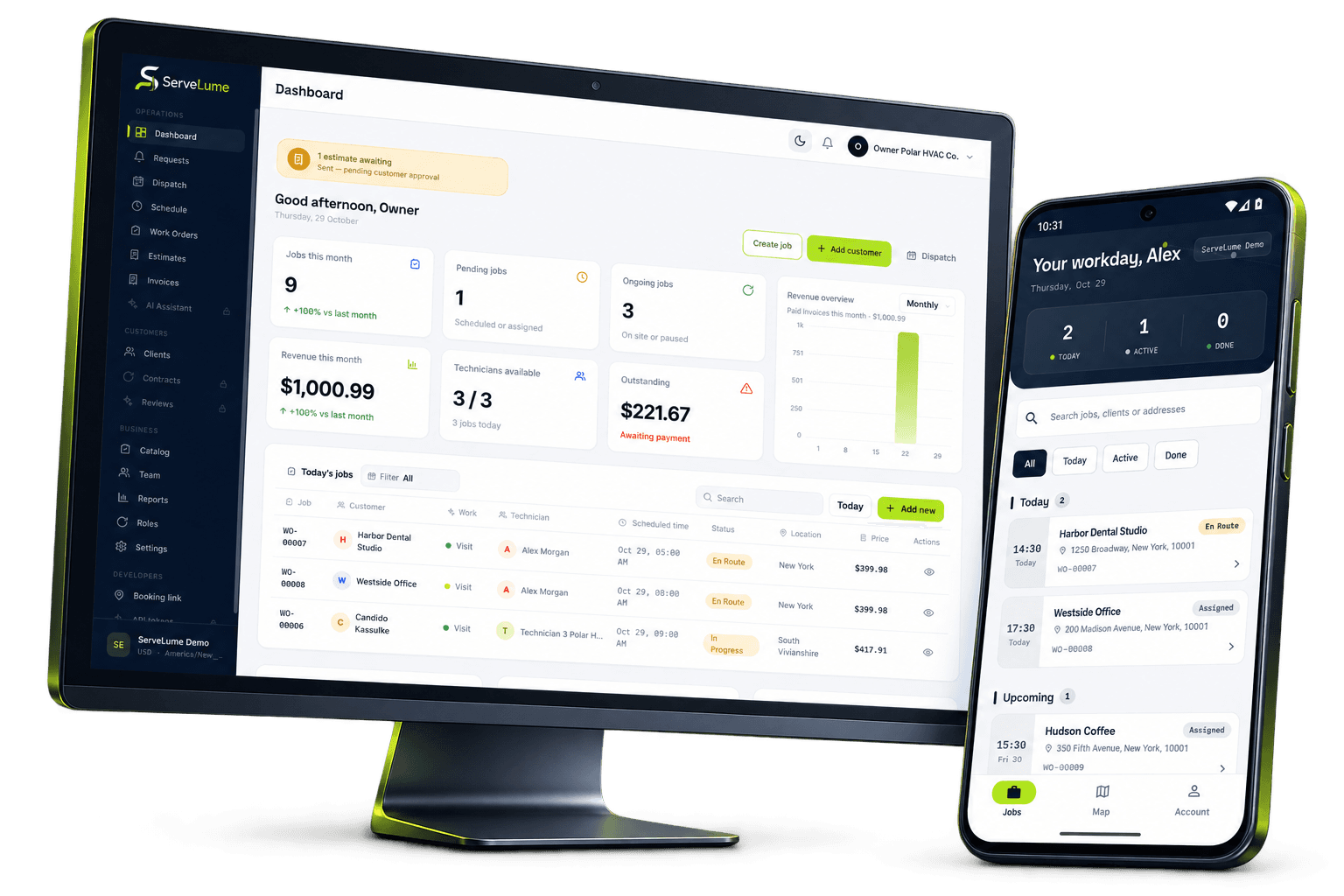
Less scattered information. A clearer workday.
Give every cleaning visit a stronger handover.
The job changes. The context stays connected.
Cleaning businesses coordinate people, properties and expectations across a busy service schedule. A commercial clean, a domestic appointment and an end-of-tenancy visit may all need different instructions, access arrangements and evidence. The office needs to know what was agreed, the team needs a clear brief and the customer needs an understandable account of the result. ServeLume is cleaning business management software that keeps work orders, assigned jobs and proof of work on the same handover.
From the office to the next visit
Good work starts
with a clear handover.
Define the cleaning scope before the visit
A useful cleaning work order describes the areas included, the requested outcome and any exclusions that the customer has agreed. “Full clean” may mean different things to different people. Record the actual scope rather than relying on an informal label. Identify the property contact, the person authorising the service and any access arrangements your team needs to confirm before attendance. For a managed site, these may be three different people.
Site instructions should be useful without exposing unnecessary personal information. Avoid placing security codes or private customer details into general notes available to a wider team than necessary. Your business should establish how sensitive access information is shared and how staff confirm that they are entering the correct property for the scheduled work.
Build the schedule around practical service requirements
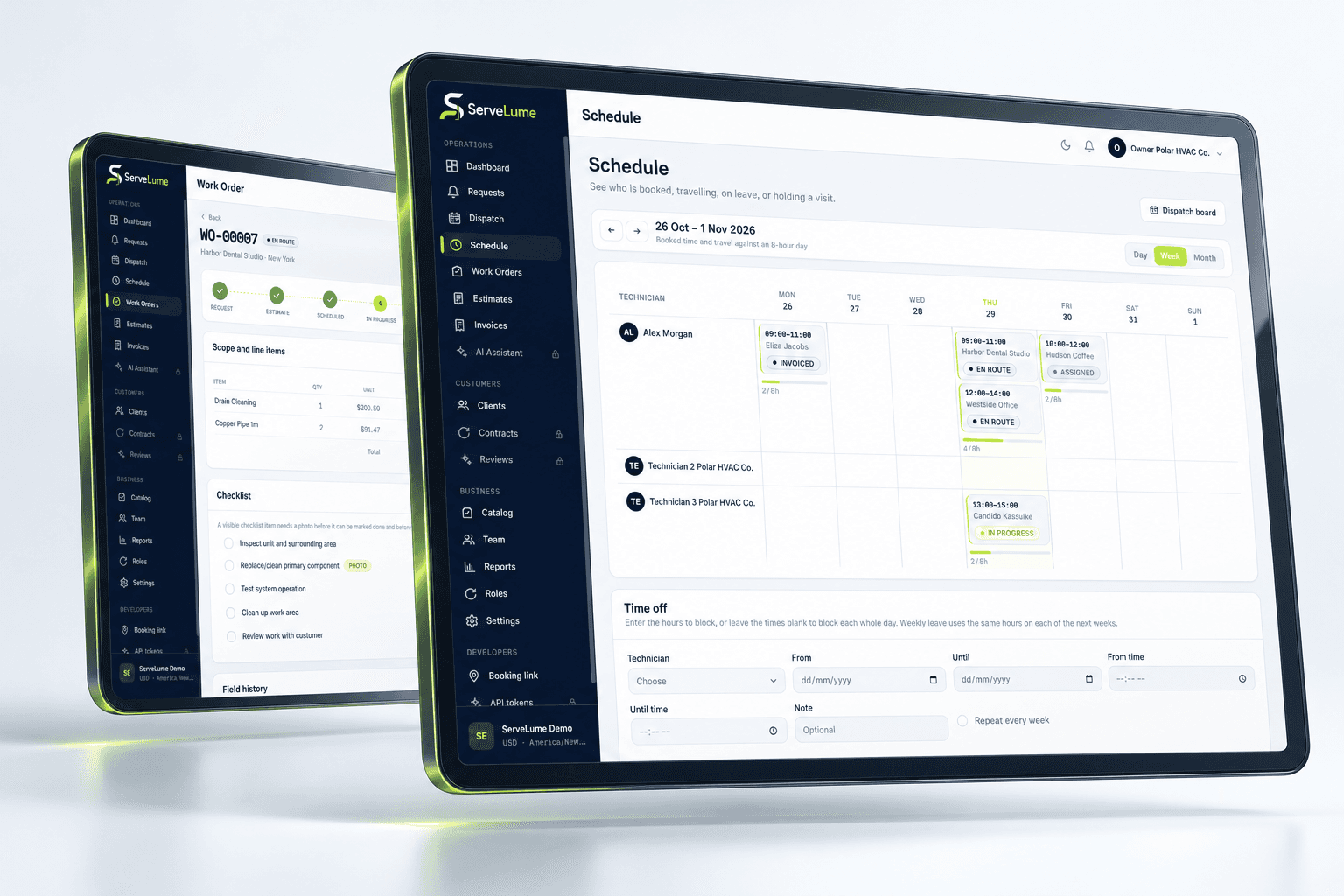
Cleaning schedules have dependencies that a simple appointment title can hide. The team may need access after occupants leave, a property manager may require a particular handover time or a specialist task may need additional equipment. Keep these conditions with the job so a change in the schedule does not separate the appointment from its requirements. Distinguish the planned service from any additional work requested later.
For teams handling repeat properties, make sure a new visit does not inherit an outdated assumption. A previous scope may no longer apply after a room changes use or a customer alters the agreement. Review the relevant details rather than copying a description indefinitely. Clear ownership of the work order helps the office maintain a reliable brief.
Give the cleaning team a brief they can use
An attending team should be able to identify the property, understand the agreed work and find the important instructions without searching several message threads. ServeLume Field provides assigned job information and a place to record the visit. Use short, specific notes and separate the standard task list from unusual requirements. A concise exception can be easier to notice than a long paragraph repeated on every booking.
If the condition on arrival differs from the brief, record that difference before it becomes a dispute about the result. For example, an area may be inaccessible or contain belongings that prevent the agreed task. The office needs enough context to discuss the change with the customer and decide whether a revised scope is required.
The details that matter
Use checklists to support consistent completion
A cleaning checklist is most useful when it reflects the actual service rather than a generic list that nobody reviews. Agree the completion criteria for the task and use notes to explain exceptions. A tick should mean the team completed the relevant check, not simply that someone opened the job on their phone. Keep additional findings distinct from the original instruction so the customer can understand what was and was not included.
ServeLume helps organise these records, but your business remains responsible for training, safe working methods, chemical handling and any industry requirements. Software does not establish that a surface is safe, a hygiene standard has been met or a product is suitable for a particular material. Those decisions belong to trained people following the appropriate procedures.
Office and field, connected
Capture photographs with a clear purpose
Photographs can explain the starting condition or demonstrate the result of an agreed cleaning task. Choose images that serve that purpose and avoid capturing residents, personal documents or unrelated possessions. Where a site has photography restrictions, follow the customer’s approved process. A large number of images is not automatically a better record if the relevant location and outcome are unclear.
Add a short explanation where needed: which area is shown, what task was completed and what remains outstanding. Customer sign-off can be part of a handover, but it should reflect the scope your business has agreed. Do not treat a signature as a substitute for clear work notes or as evidence that every possible issue at a property was inspected.
A clearer next step
Keep materials and additional tasks explainable
Some cleaning visits involve consumables, replacement supplies or an additional agreed task. Record these in a way the office can review without guessing whether an item was used, left at the property or merely brought to site. Keep the commercial treatment consistent with the customer’s agreement. An internal material record does not automatically mean the customer should receive an additional charge.
If the team recommends further work, state the recommendation and its reason separately from completed work. This distinction helps the office prepare a quote or arrange a follow-up through the correct approval process. It also prevents a later team from assuming that a recommendation was carried out just because it appears in the job history.
Make it work for your business
Built around the whole job.
Evaluated by your team.
Turn the completed clean into a clear office handover
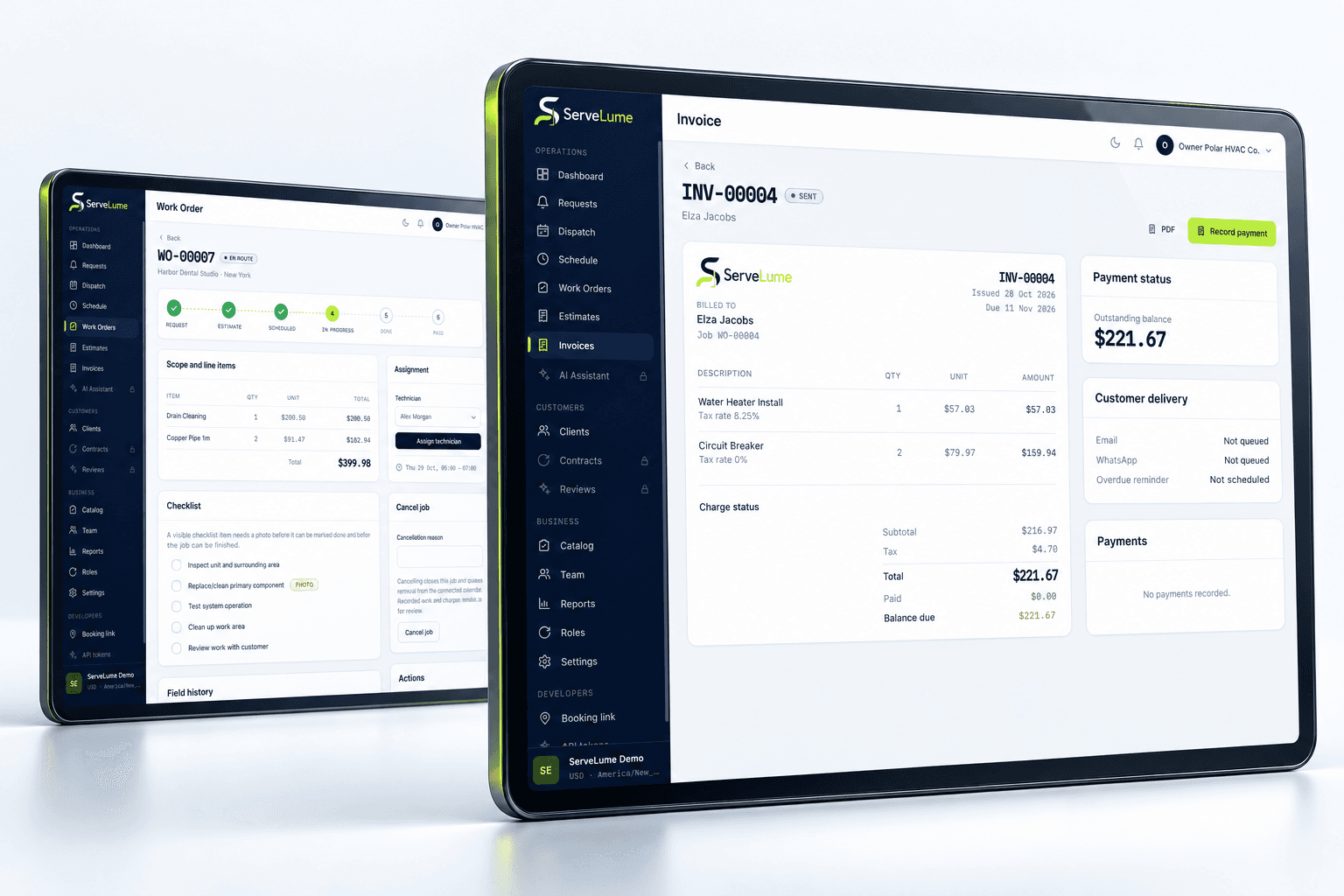
Before billing, review the agreed scope, the completion status, any changes and the available evidence. The customer should be able to recognise the service described on the invoice. Where a task could not be completed, preserve the explanation and the next action instead of letting an apparently finished appointment hide an unresolved issue.
ServeLume supports the relationship between job records and billing, while your business controls prices, tax settings and payment terms. Payment methods depend on the configured provider, merchant account, country and supported device. Evaluate the process you actually use, including who reviews additional work and who can alter commercial details. A useful cleaning business software workflow should support those responsibilities rather than making them less visible.
Evaluate cleaning software with representative properties
Use at least two different service examples during your evaluation. A routine commercial visit tests consistent instructions and close-out records; a one-off property clean tests scope changes, photos and customer handover. Ask someone in the office to understand the outcome using only the job record. If they still need several separate conversations, identify which information is missing and improve the process before expanding it to the wider team.
Australian cleaning contractors, UK cleaning companies and US cleaning service businesses may use different commercial terms and work under different local requirements. Choose the currency and operating practices appropriate to your business. The goal is a shared record that makes the work understandable, not a claim that the same checklist or service agreement fits every property and jurisdiction.
Put the workflow to work in your trial
A useful software evaluation follows a complete job rather than stopping at account creation. Choose a representative request, agree its scope, assign the field work and record a realistic outcome. Then ask someone in the office to review the job without relying on a separate conversation. They should be able to explain the completed work, any unresolved issue and the next commercial or operational action. Where the record is unclear, identify whether the team needs a different habit, a clearer description or a product capability that should be checked with ServeLume.
New ServeLume workspaces start through the product registration flow. A mobile number with country code is required. Confirm the email address first, then verify the mobile number using a WhatsApp code, with SMS available as the fallback channel. Verification messages are for account security; they are not a replacement for a customer messaging or marketing consent process. The product backend confirms the active plan and the fourteen-day trial policy. Check the current pricing page for the plan, currency and billing period instead of relying on an amount quoted in an old article.
Use synthetic or appropriately authorised information while evaluating the product. Keep passwords, payment card details and unnecessary personal information out of demonstration job notes. Confirm the roles, devices, integrations and local requirements your business needs before moving an operational team into a new system. If an essential workflow is unclear, contact the ServeLume team with a concrete example so the discussion can focus on the work you actually perform.
Your next connected workday
Bring your office and field team together.
Explore your job workflow with a 14-day trial, then choose the plan that fits your business.