
ServeLume / Materials tracking software
Every part.In context.
Keep materials, equipment activity and return decisions connected to the work your team actually performs.
Explore your workflow · Review live plans · Bring your team
THE DETAILS CONNECT THE WORK
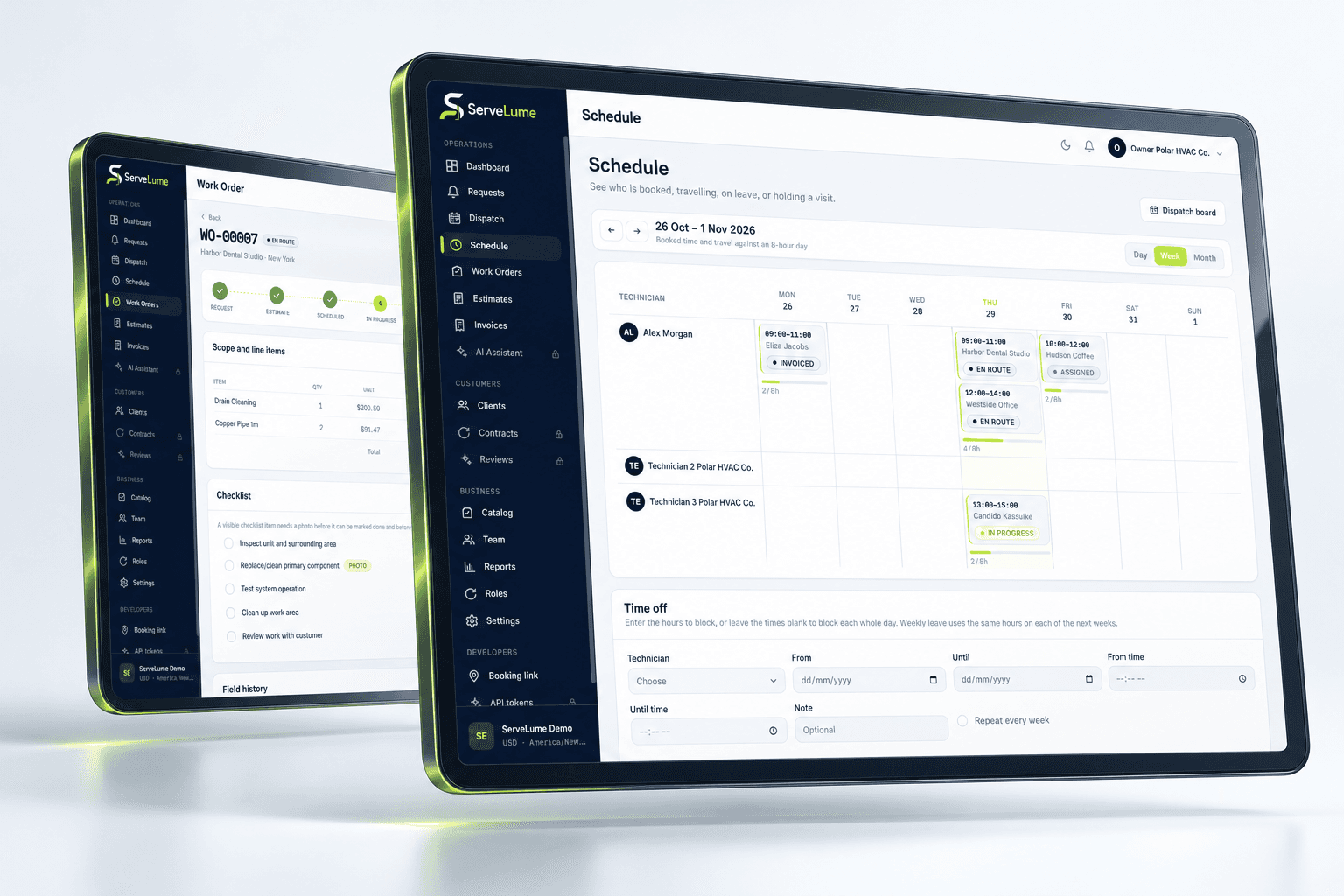
The work order tells part of the story. Materials used, equipment service activity and part returns explain another. Materials tracking software should preserve the relationship between those details and the job, so the office can review the record with less guesswork.
- Job-linked material records
- Equipment service context
- Clearer return decisions
01 / What the job actually used
Keep materials close to the work.
A material entry needs to explain its relationship to the task. ServeLume connects recorded materials with the job workflow, giving your team a place to preserve the items relevant to a service visit and the information needed for the office handover.
Distinguish what was used or installed from what was merely proposed or brought to site. Clear descriptions and quantities help a reviewer understand the record. Your business still decides which items are chargeable, how costs are reviewed and which approvals are needed before the information reaches an invoice.
- Record relevant items against the job
- Use understandable descriptions and quantities
- Give the office a clearer material handover
02 / Service context that stays useful
Connect equipment activity to the visit.
Equipment service history is valuable when it helps the next person understand what happened. Connect relevant equipment-related service records with the work so your team can review the context behind a maintenance attendance, observation or follow-up.
Use your own identification practices consistently. A general service record should not be assumed to provide every specialist measurement, calculation, warranty integration or statutory form. Evaluate the exact equipment details your trade needs before relying on the workflow for a critical service process.
- Preserve equipment-related service context
- Keep findings tied to the relevant visit
- Review your identification needs during evaluation
03 / Close the loop
Make returns and next actions understandable.
A part decision can affect a return visit, the customer conversation and the commercial record. ServeLume includes part-return workflows alongside job-linked material activity, helping your team keep the decision connected with the service it belongs to.
Keep proposed, used and returned items distinct. Do not expect a broad materials feature to automatically establish stock availability, supplier credits or full inventory reconciliation. Review the actual product boundary and agree how your office confirms quantities, commercial treatment and the next step after a return.
- Preserve the context behind a part return
- Separate proposed items from completed work
- Review follow-up and billing decisions deliberately
A PRACTICAL WAY TO WORK
A clear path. From one person to the next.
Make the handover deliberate, at every stage of the service.
- 01
Identify the requirement
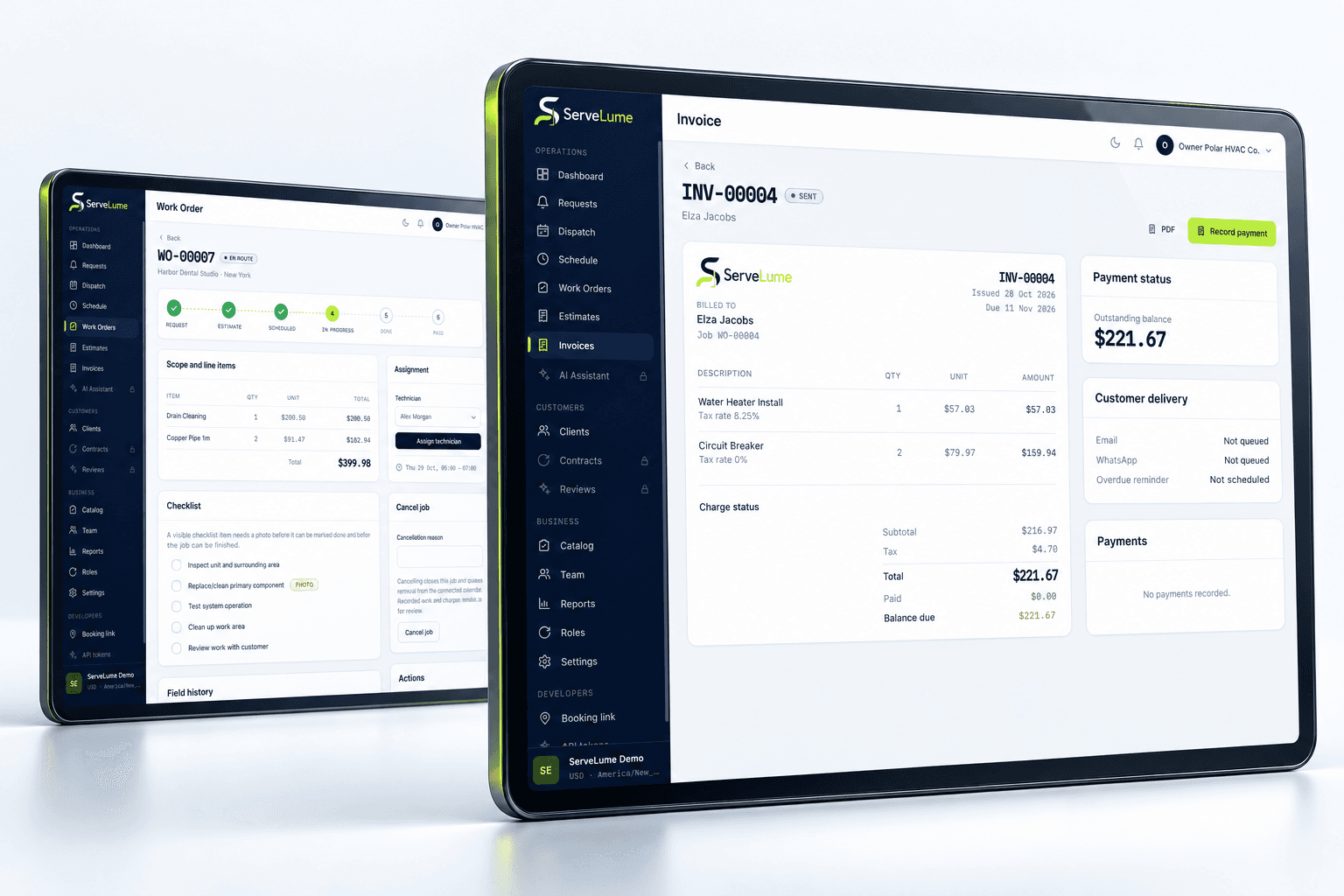
Review the job and relevant equipment. Describe the materials or part decision in a way that the next person can recognise.
- 02
Record the activity
Preserve what was used, observed or returned with the service visit. Keep quantities and descriptions clear.
- 03
Review the handover
Confirm any follow-up, customer approval or billing action. Do not let a material note silently become an unapproved charge.
BUILT TO BE EVALUATED BY YOUR TEAM
Test an installed item and a returned part.
Use representative sample work with material usage, an equipment observation and a part return. Ask the office to distinguish the physical activity from the commercial decision. Review the fields your team needs for identification, quantities and service context. If you need stock procurement, accounting synchronisation or a specialist equipment system, confirm the exact scope rather than assuming those functions follow from materials tracking.
Discuss your workflowA FEW USEFUL ANSWERS
Clarity before you commit.
Understand the workflow, the requirements and the boundaries.
01What does materials tracking cover here?
The focus is recorded materials, equipment-related service activity and part returns connected to the job. Evaluate the actual product fields and workflow against the information your office and field team need.
02Is this a complete inventory management system?
Do not assume that. Job-linked materials are not automatically equivalent to purchasing, warehouse management, supplier credits or fully reconciled stock. Discuss your specific inventory requirements and confirm supported scope.
03Can a material entry become a customer charge automatically?
Your business should review chargeability, agreed scope and customer approval before invoicing. A field record explains activity; it should not silently change the commercial agreement.
04Does equipment history replace specialist service documentation?
No. Confirm the technical fields, mandatory forms and qualified review your industry requires. A general equipment service record provides context but does not independently certify the equipment or the work.
YOUR NEXT CONNECTED WORKDAY
Bring the whole job
into the picture.
Start with a real workflow question. Explore the product with the people who plan the work and the people who do it.