
HVAC service software
Keep your team and every service visit in sync.
HVAC service software for service visits, equipment context, field evidence and the next customer action in ServeLume.
14-day trial · Office + field · One shared workspace
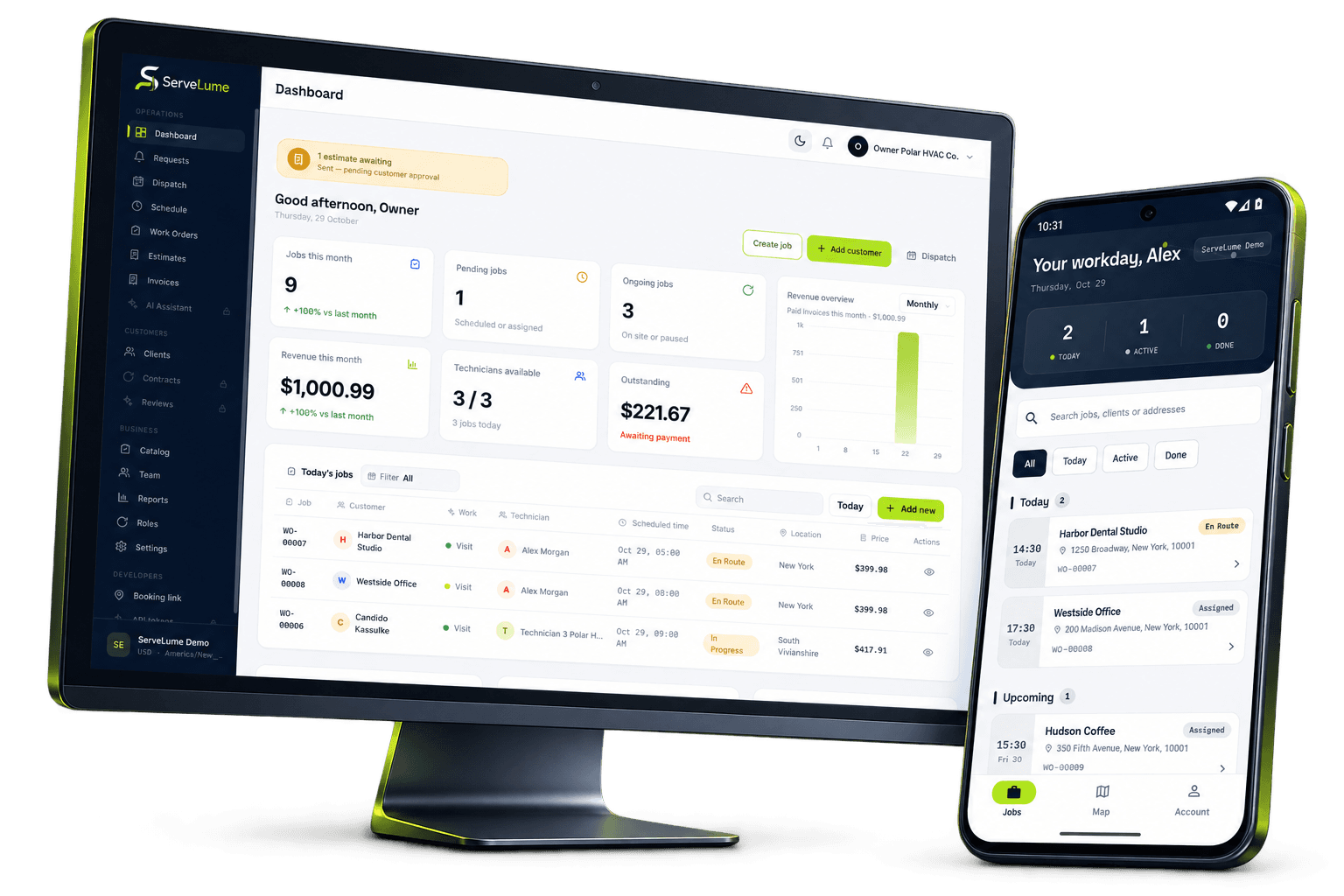
Less scattered information. A clearer workday.
Bring HVAC job and equipment context together.
The job changes. The context stays connected.
HVAC businesses coordinate equipment, technicians, access arrangements and customer expectations across every service day. A reported cooling problem may lead to an inspection, a maintenance task, a replacement recommendation or a return visit with a specific part. The office needs to understand that progression without reconstructing it from scattered calls and photographs. ServeLume is HVAC service software that connects work orders, assigned field jobs and proof of work for heating and cooling teams.
From the office to the next visit
Good work starts
with a clear handover.
Capture the equipment context before attendance
An HVAC booking becomes more useful when it identifies the system, the reported symptom and the site conditions relevant to attendance. Record any equipment details already known to the business, but make clear whether they came from a previous visit or a customer’s description. A model reference that has not been checked should not silently become a verified equipment identification. Ask who will provide access and whether the visit covers one unit or a wider system.
Commercial properties may involve a facilities contact, an occupant and a separate purchasing decision maker. Keeping these roles clear helps the field team know whom to contact for access and helps the office route recommendations to the person who can approve additional work.
Schedule inspections, maintenance and return visits distinctly
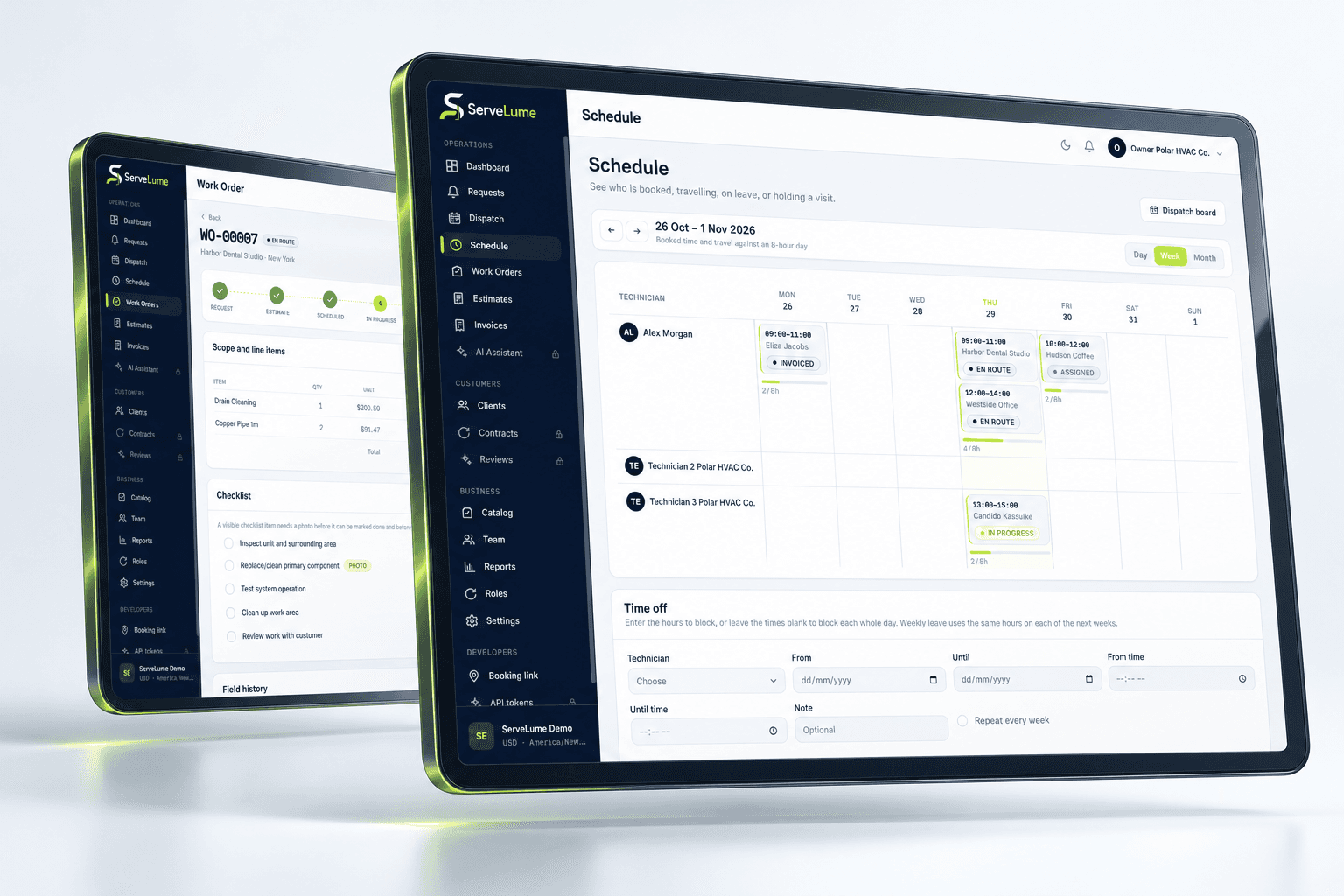
A calendar entry should communicate the purpose of the visit. Planned servicing, fault investigation and an agreed repair may require different preparation, even at the same address. Use the job description and status to preserve that distinction. If a part must be obtained before a return visit, record the dependency rather than booking an appointment that appears ready to proceed when it is not.
ServeLume supports organising the work and sharing the relevant details with the team. Your business remains responsible for selecting suitably qualified technicians, assessing working conditions and arranging any specialist access or assistance. A schedule is an operational plan, not evidence that the equipment has been inspected or that a particular task can be safely completed.
Make field notes useful to the next technician
HVAC notes should explain the observed condition, the work carried out and the remaining question. A customer may describe a system as “not working” while the attending technician observes an intermittent symptom that needs further investigation. Preserve that distinction. Record what was checked and what could not be checked, rather than using a broad completion phrase that the next technician might interpret as a full assessment.
The mobile app gives technicians a workflow for assigned jobs and job-linked evidence. Encourage the team to write concise, specific notes that can be understood by the office and by another competent person reviewing the record. If equipment details differ from the booking, record the correction with enough context to avoid repeating the mistake.
The details that matter
Organise service evidence around the actual task
Checklists, photographs and work notes can support a more consistent maintenance record. A useful checklist prompts the technician to capture the information your business requires; notes explain exceptions and findings. Equipment photographs should identify the relevant item and condition without unnecessarily including occupants, unrelated documents or sensitive site information. Where customer sign-off is appropriate, make it clear what the customer is acknowledging.
HVAC work can involve technical and regulatory responsibilities that vary by system and location. ServeLume does not replace qualified judgement, certification, refrigerant handling obligations or required safety documentation. Use the workspace to organise the record, and keep mandatory records within the professional process your business has established for the work being performed.
Office and field, connected
Keep parts and equipment servicing connected
A part request is easier to understand when it is tied to a specific job and finding. Record what is needed, why it is needed and whether it has been installed or remains outstanding. When a proposed replacement differs from the original item, note whether further review or customer approval is required. Avoid leaving the office to infer the status from a photograph of packaging or an informal message.
ServeLume includes workflows for recording materials and equipment-related service activity. Evaluate how these match the way your business identifies equipment and hands work between technicians. A parts record and a servicing record should support the history of the task, while the qualified person remains responsible for establishing technical suitability.
A clearer next step
Give the office a clear commercial handover
An inspection outcome and an approved repair are different commercial events. The field record should help the office distinguish completed work from a recommendation that still needs a quote. Describe the outcome in terms the customer can recognise, and keep technical detail available for review without automatically turning every observation into an invoice line.
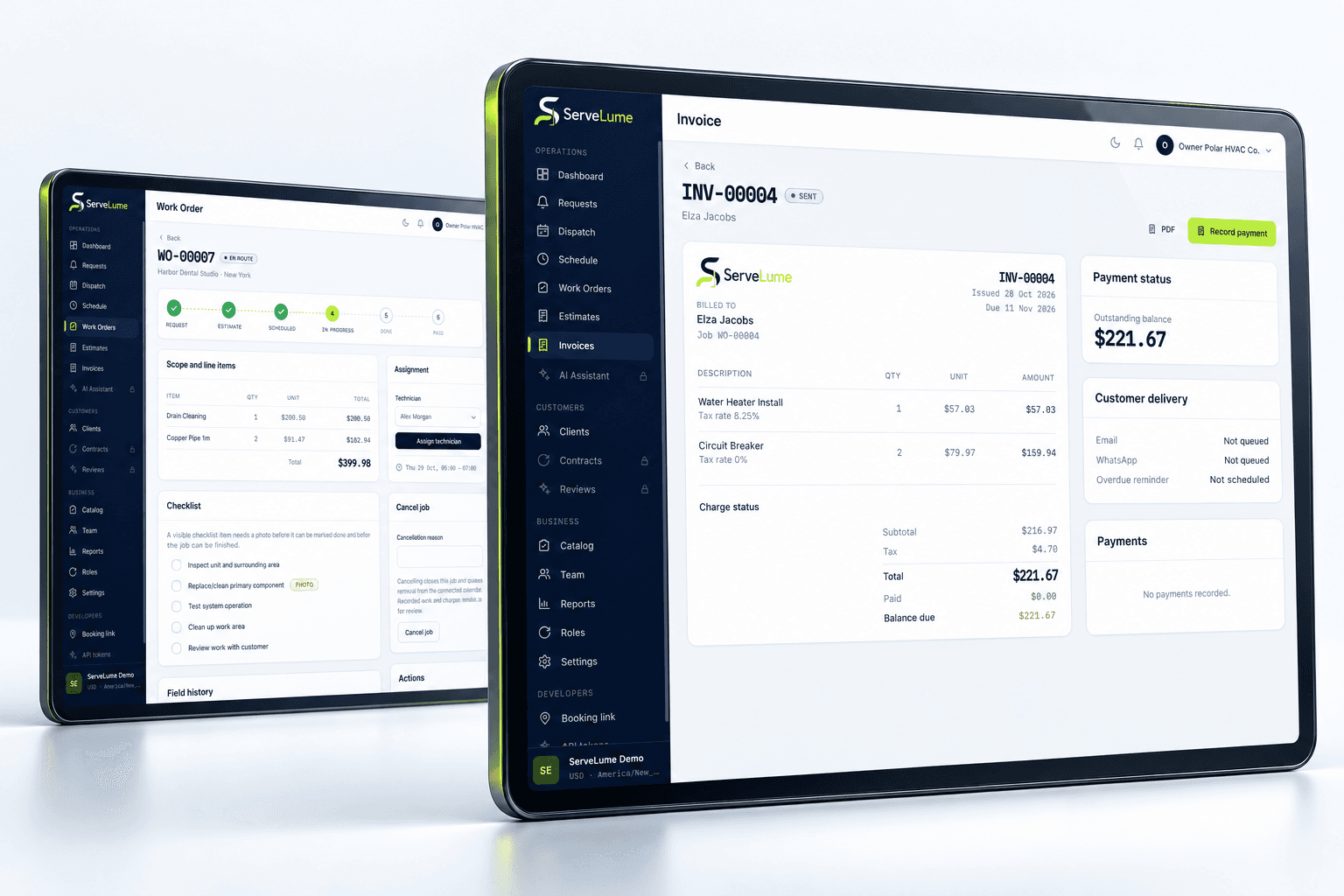
When the job is ready for billing, review the original agreement, any authorised changes, materials and the completion record. Your business controls pricing, tax treatment and payment terms. Payment collection depends on the provider, account, country and supported device. Test the actual billing workflow during the evaluation rather than assuming a feature name establishes the commercial arrangement or guarantees a particular payment option.
Make it work for your business
Built around the whole job.
Evaluated by your team.
Establish a practical service history standard
A consistent close-out process can make future HVAC visits easier to prepare. Agree which equipment identifiers, job notes, checklist outcomes and photographs should be recorded for each type of service. State what remains open and identify the next action. If the customer declines a recommendation, record the decision through your approved process without changing the original observation into a claim that the issue was resolved.
For managers, a useful review asks whether a colleague can understand the service sequence from the record. Can they tell which equipment was attended, what work was completed and what requires a follow-up? This is a more meaningful evaluation than simply counting the number of fields filled in during a demonstration.
Compare HVAC software using representative regional work
In Australia, customers may search for air conditioning job management software; UK businesses may look for heating engineer scheduling; US teams often use the term HVAC field service software. The terminology changes, but the need for a clear office-to-field handover remains. Currency, qualifications, customer documentation and local obligations should be reviewed against the places where your business operates.
Choose a maintenance visit and a fault call with a possible return visit for your trial. Follow each from booking to field notes, recommendation and billing review. Ask the office and technician to assess the same record independently. That exercise reveals whether the workflow preserves the technical context and the practical next step without requiring everyone to search through separate channels.
Put the workflow to work in your trial
A useful software evaluation follows a complete job rather than stopping at account creation. Choose a representative request, agree its scope, assign the field work and record a realistic outcome. Then ask someone in the office to review the job without relying on a separate conversation. They should be able to explain the completed work, any unresolved issue and the next commercial or operational action. Where the record is unclear, identify whether the team needs a different habit, a clearer description or a product capability that should be checked with ServeLume.
New ServeLume workspaces start through the product registration flow. A mobile number with country code is required. Confirm the email address first, then verify the mobile number using a WhatsApp code, with SMS available as the fallback channel. Verification messages are for account security; they are not a replacement for a customer messaging or marketing consent process. The product backend confirms the active plan and the fourteen-day trial policy. Check the current pricing page for the plan, currency and billing period instead of relying on an amount quoted in an old article.
Use synthetic or appropriately authorised information while evaluating the product. Keep passwords, payment card details and unnecessary personal information out of demonstration job notes. Confirm the roles, devices, integrations and local requirements your business needs before moving an operational team into a new system. If an essential workflow is unclear, contact the ServeLume team with a concrete example so the discussion can focus on the work you actually perform.
Your next connected workday
Bring your office and field team together.
Explore your job workflow with a 14-day trial, then choose the plan that fits your business.