
electrician software
Electrical jobs. Every detail connected.
Electrician software for electrical work orders, scheduling, field records, materials and billing in one ServeLume workspace.
14-day trial · Office + field · One shared workspace
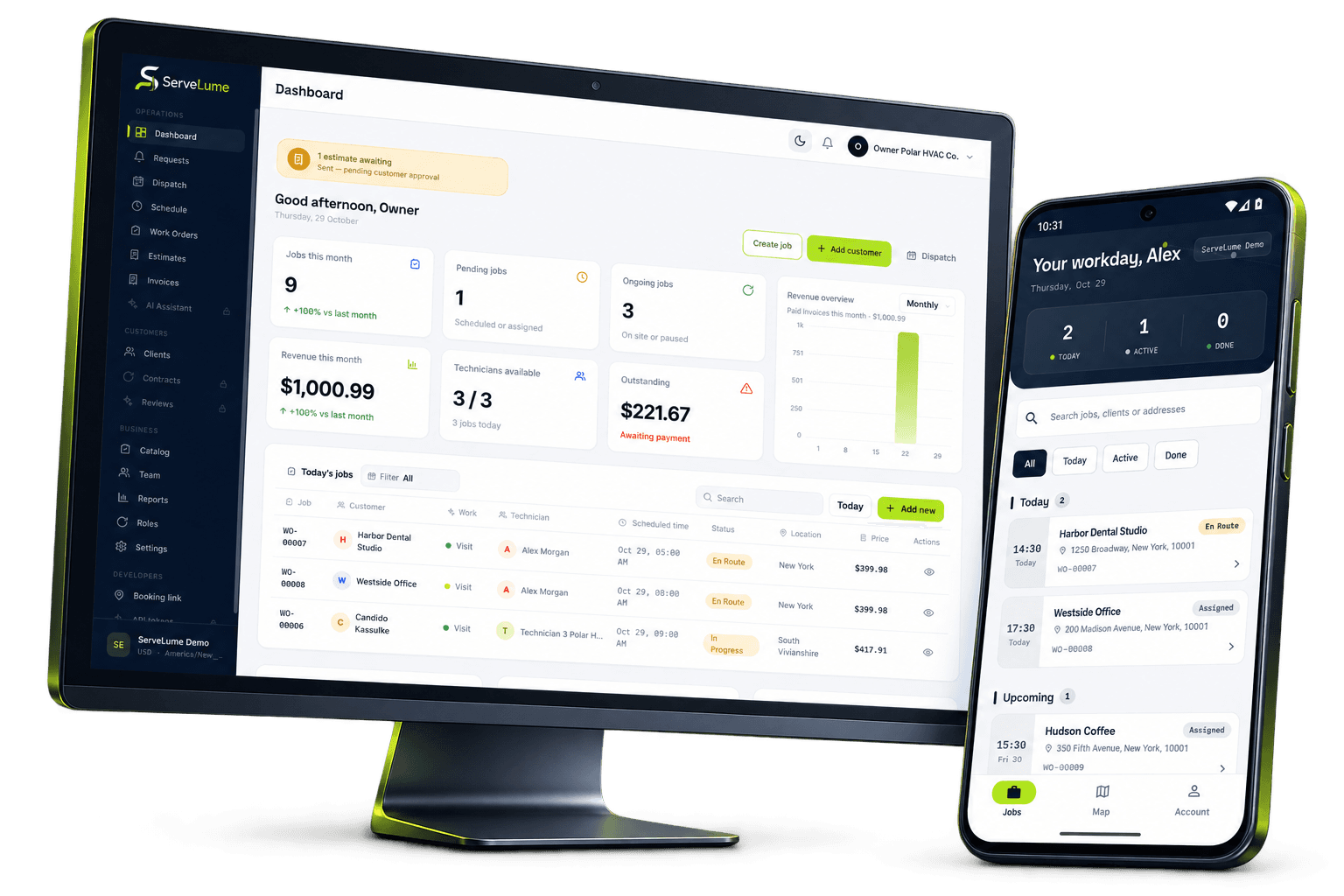
Less scattered information. A clearer workday.
A clearer day for your electrical business.
The job changes. The context stays connected.
An electrical service business runs on details that are easy to lose between the first call and the final invoice. A customer describes an intermittent fault. The office books a visit. An electrician discovers a different circuit arrangement on site. Someone needs to explain the additional work, record the outcome and give the office enough information to close the job correctly. ServeLume is electrician software that keeps job details, field records and proof of work in one workspace for electrical contractors.
From the office to the next visit
Good work starts
with a clear handover.
Start with a useful electrical job record
A booking labelled “power problem” tells an electrician very little. Before scheduling the visit, record which area is affected, when the problem occurs, who can provide access and whether another contractor has already attended. Ask for the site contact rather than assuming the person who approved the work will be present. Commercial premises may have loading restrictions, induction arrangements or a nominated facilities manager. Keeping this context against the work order gives the person attending a clearer starting point and helps the office distinguish an investigation from an agreed repair.
Do not put access codes or unnecessary personal information into a broadly shared description. Use your organisation’s approved process for sensitive site instructions. A well-organised record should make the job easier to understand without exposing information to people who do not need it.
Plan the visit around scope and access
Electrical scheduling is more than finding a gap in a calendar. An investigation may need a different allocation from a planned replacement, and access arrangements can determine when work is possible. Use the schedule to establish the attending team, the intended visit and the current scope. Keep a clear distinction between an appointment and a confirmed shutdown arrangement. When a customer changes the available time, update the job record so the office and field team are working from the same information.
For a small contractor, this discipline can be useful before adding complicated processes. Begin with consistent job names and clear ownership. Once those basics work, review how your team handles return visits, incomplete investigations and work that needs a revised estimate.
Give electricians context on site
The ServeLume Field app puts assigned job information in the technician’s workflow. An electrician should be able to understand the customer’s request, review the relevant notes and record what actually happened during the visit. A concise description of the initial condition is often more useful than a long message thread. If the site differs from the booking, record the difference as an observation rather than silently changing the meaning of the original request.
For example, a customer may ask for an outlet replacement while the attending electrician identifies a wider issue requiring separate investigation. Keeping the requested work and the additional finding distinct gives the office a better basis for discussing the next step with the customer.
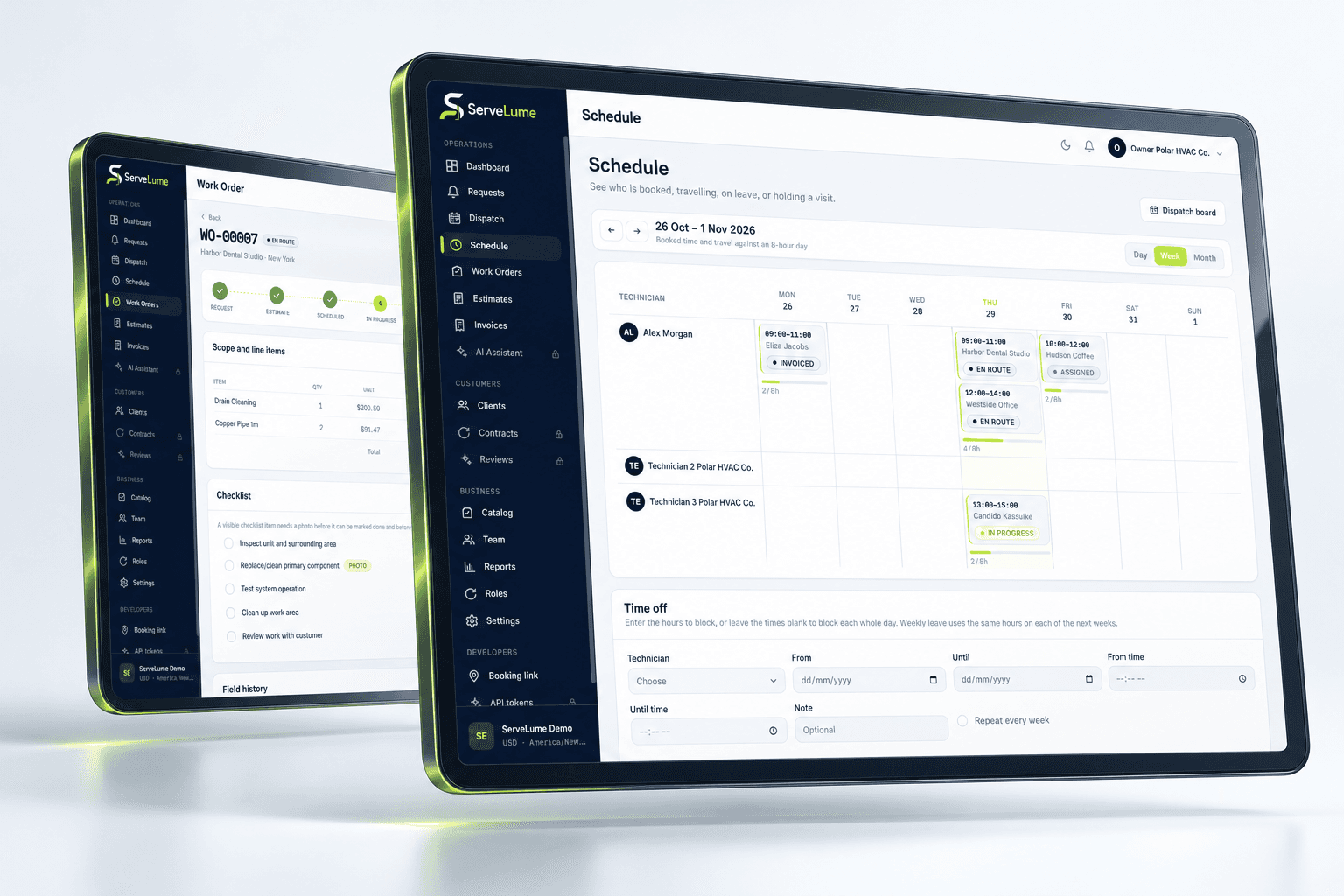
The details that matter
Keep work evidence attached to the job
Photographs, checklists and customer sign-off help explain a completed electrical visit. Use photos to establish context and show the result, while avoiding unrelated people, documents or personal possessions in the frame. Write notes that a colleague can understand later: what was found, what work was completed and what remains unresolved. A ticked checklist without explanatory notes may not answer the office’s questions when the customer calls again.
ServeLume supports job-linked records, but software does not decide whether electrical work is safe or legally compliant. Your qualified staff remain responsible for testing, certification, licensing and the records required for the type of work and jurisdiction. Keep any mandatory documents within your approved compliance process.
Office and field, connected
Record materials without losing the explanation
A material entry is easier to review when it describes the item, the quantity and the job context. Avoid a final note that simply says “parts used” if the office needs to understand the cost. Record substitutions and distinguish installed materials from items that were brought to site but not used. Where equipment servicing or part returns form part of your workflow, keep those records connected to the relevant work rather than treating them as unrelated office tasks.
This also helps with a follow-up visit. The next electrician should not have to guess whether an item was replaced, temporarily retained or still awaiting supply. Clear records make the next decision easier without claiming that an inventory entry proves an installation was completed correctly.
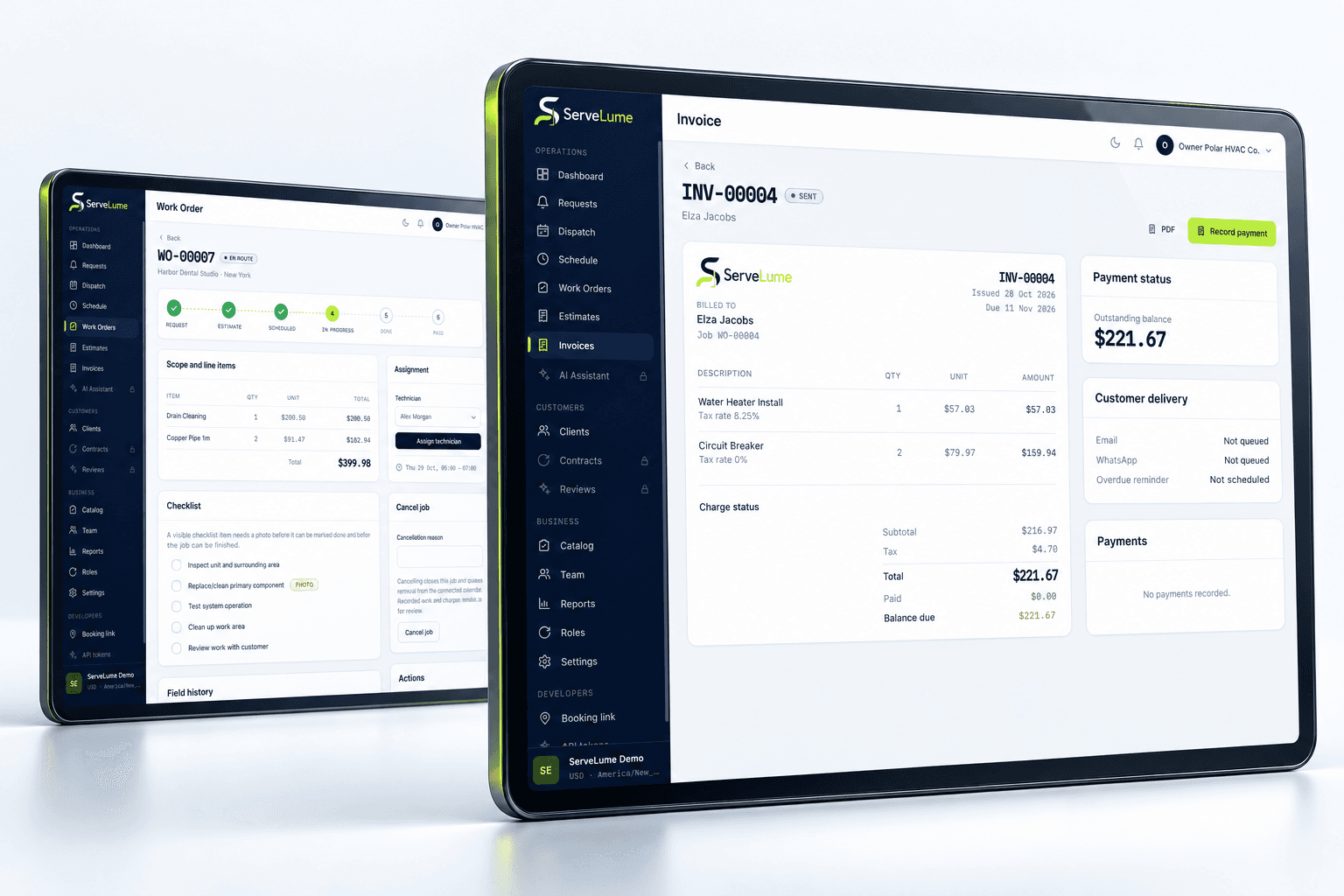
A clearer next step
Bring completed work through to billing
Before creating an invoice, review the original scope, any agreed changes and the technician’s completion notes. An electrical invoice should help the customer recognise the work, rather than reproducing a vague booking label. Check that the amounts and descriptions reflect the approved commercial arrangement. Keep a separate action for additional work that still needs customer approval; a field observation should not automatically become a charge merely because it appears in a job note.
ServeLume connects job and billing workflows, while your business remains responsible for its prices, tax treatment and payment terms. Payment availability depends on the configured provider, merchant account, country and supported device. Confirm the payment methods you need during your trial rather than assuming every device offers the same capabilities.
Make it work for your business
Built around the whole job.
Evaluated by your team.
Establish a repeatable handover for the team
A shared workflow works best when everyone knows what a complete record means. Agree a short electrical job close-out standard: current status, work description, materials, relevant photos, customer sign-off where appropriate and a clear statement of outstanding work. The office can then review the record with fewer assumptions. If a return visit is required, state its purpose and what must happen before it is booked.
Managers should also agree who can alter commercial details and who reviews unusual findings. Role boundaries are a business decision, not something to leave to an informal messaging group. Use the trial to check the actual permissions and workflow your team needs, including how technicians receive assigned jobs and how the office reviews their updates.
Electrical contractor software in Australia, the UK and the US
Australian electrical businesses may describe their teams as sparkies or tradies, while UK customers may search for electrician job management and US contractors for electrical field service software. The operational goal is similar: organise the request, plan the visit, preserve the field record and explain the completed work. Local licensing, electrical standards, customer documentation and tax requirements still differ. Choose the appropriate currency and review the workflow against your own regional obligations.
Bring one representative service call and one planned job into your evaluation. Compare how well the office understands the record before and after the visit. A useful electrical contractor software trial should reveal the quality of the handover, not merely demonstrate that a dashboard looks busy.
Put the workflow to work in your trial
A useful software evaluation follows a complete job rather than stopping at account creation. Choose a representative request, agree its scope, assign the field work and record a realistic outcome. Then ask someone in the office to review the job without relying on a separate conversation. They should be able to explain the completed work, any unresolved issue and the next commercial or operational action. Where the record is unclear, identify whether the team needs a different habit, a clearer description or a product capability that should be checked with ServeLume.
New ServeLume workspaces start through the product registration flow. A mobile number with country code is required. Confirm the email address first, then verify the mobile number using a WhatsApp code, with SMS available as the fallback channel. Verification messages are for account security; they are not a replacement for a customer messaging or marketing consent process. The product backend confirms the active plan and the fourteen-day trial policy. Check the current pricing page for the plan, currency and billing period instead of relying on an amount quoted in an old article.
Use synthetic or appropriately authorised information while evaluating the product. Keep passwords, payment card details and unnecessary personal information out of demonstration job notes. Confirm the roles, devices, integrations and local requirements your business needs before moving an operational team into a new system. If an essential workflow is unclear, contact the ServeLume team with a concrete example so the discussion can focus on the work you actually perform.
Your next connected workday
Bring your office and field team together.
Explore your job workflow with a 14-day trial, then choose the plan that fits your business.